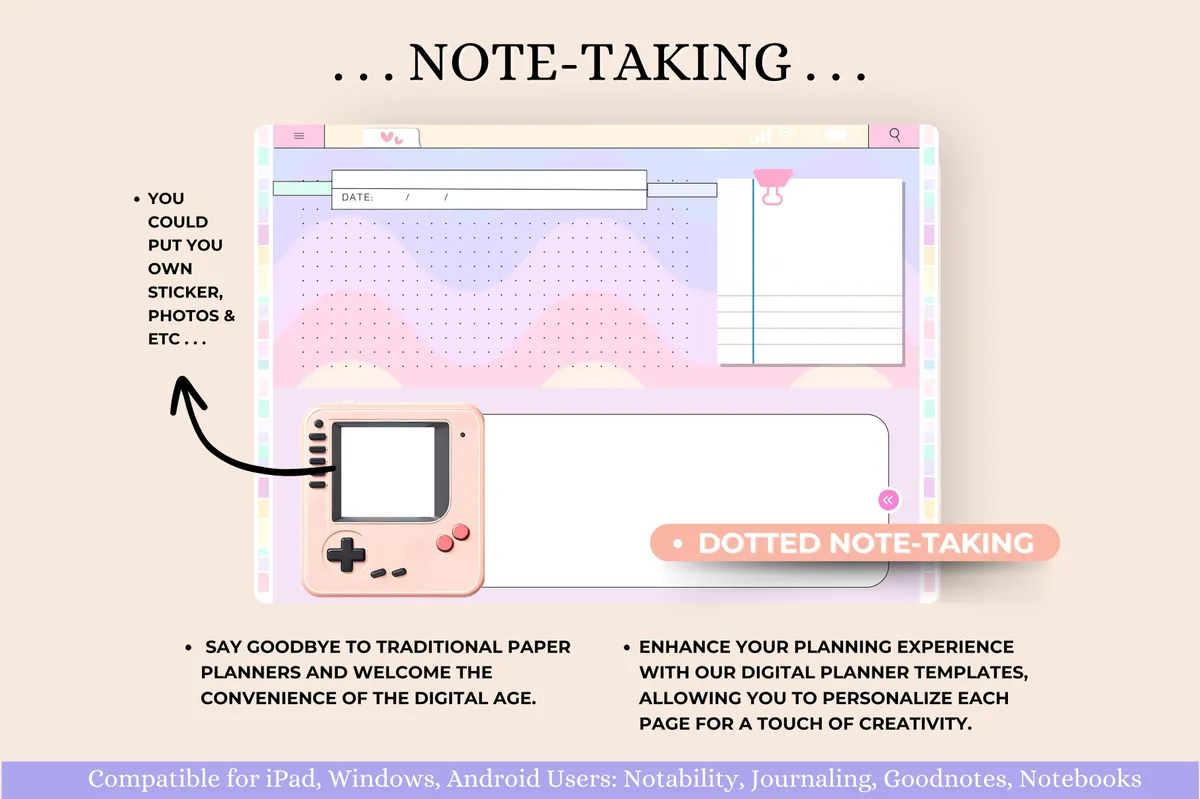
Undated planners don't care what month it is. That makes them a good fit if you often start planners and then drift away for a while. Because they're digital, you can also duplicate a page whenever you need another.

What to look for

  • Navigation. Good links matter more when the pages have no dates to find them by.
  • Layouts. Check for the daily, weekly or monthly views you like most.
  • Style. You'll be looking at it daily, so choose a design you enjoy.

Our picks

1Undated Digital Planner for GoodNotes

Hyperlinked · GoodNotes + Notability · Landscape

Best for reusing the same planner again and again

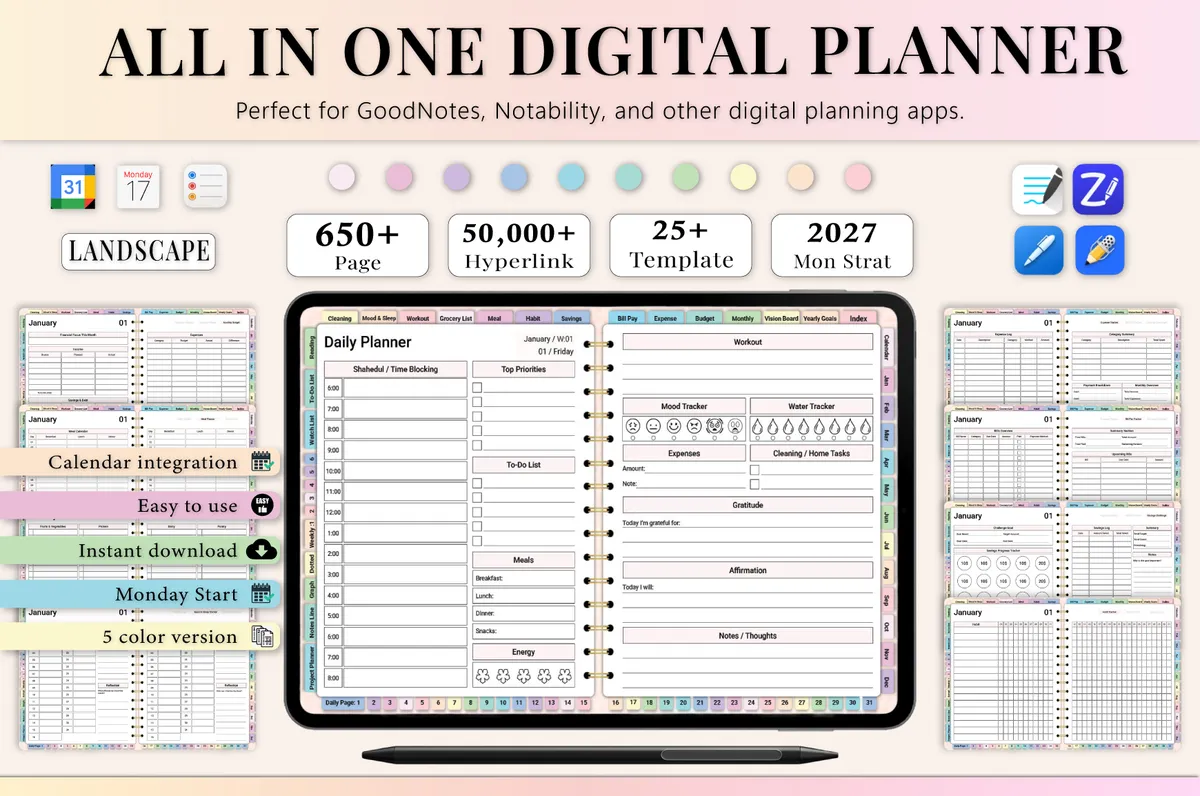
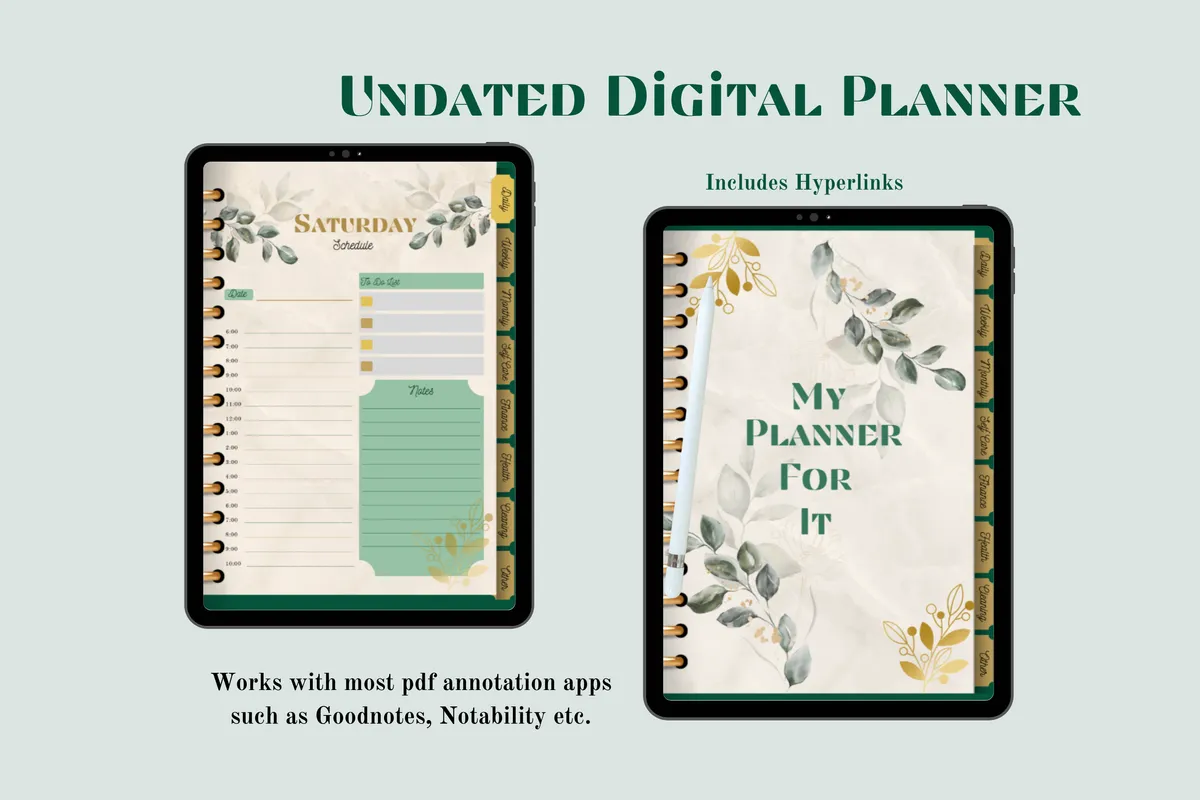
Daily, weekly and monthly pages with no dates, so you can use it again and again.

GET YOUR FREE DOWNLOAD

Free through Creative Fabrica’s free trial, which renews unless cancelled.
3Rose Gold Marble Digital Planner

Undated · Hyperlinked PDF · GoodNotes

Best for a decorative look

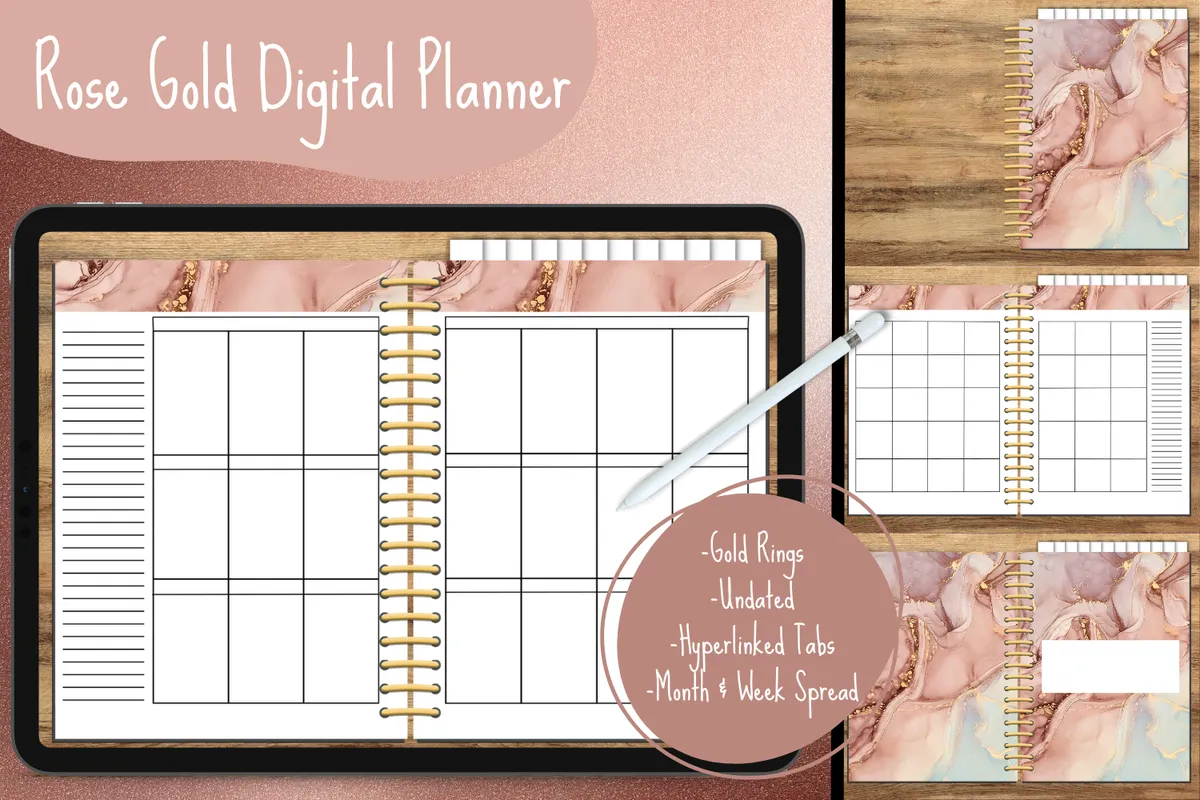
Monthly and weekly pages behind rose gold marble dividers and linked tabs.

GET YOUR FREE DOWNLOAD

Free through Creative Fabrica’s free trial, which renews unless cancelled.
4Minimalist Daily Digital Planner

365 undated pages · GoodNotes + Notability

Best for a plain page for every day

A plain daily planner with hyperlinked pages for your iPad or tablet.

GET YOUR FREE DOWNLOAD

Free through Creative Fabrica’s free trial, which renews unless cancelled.
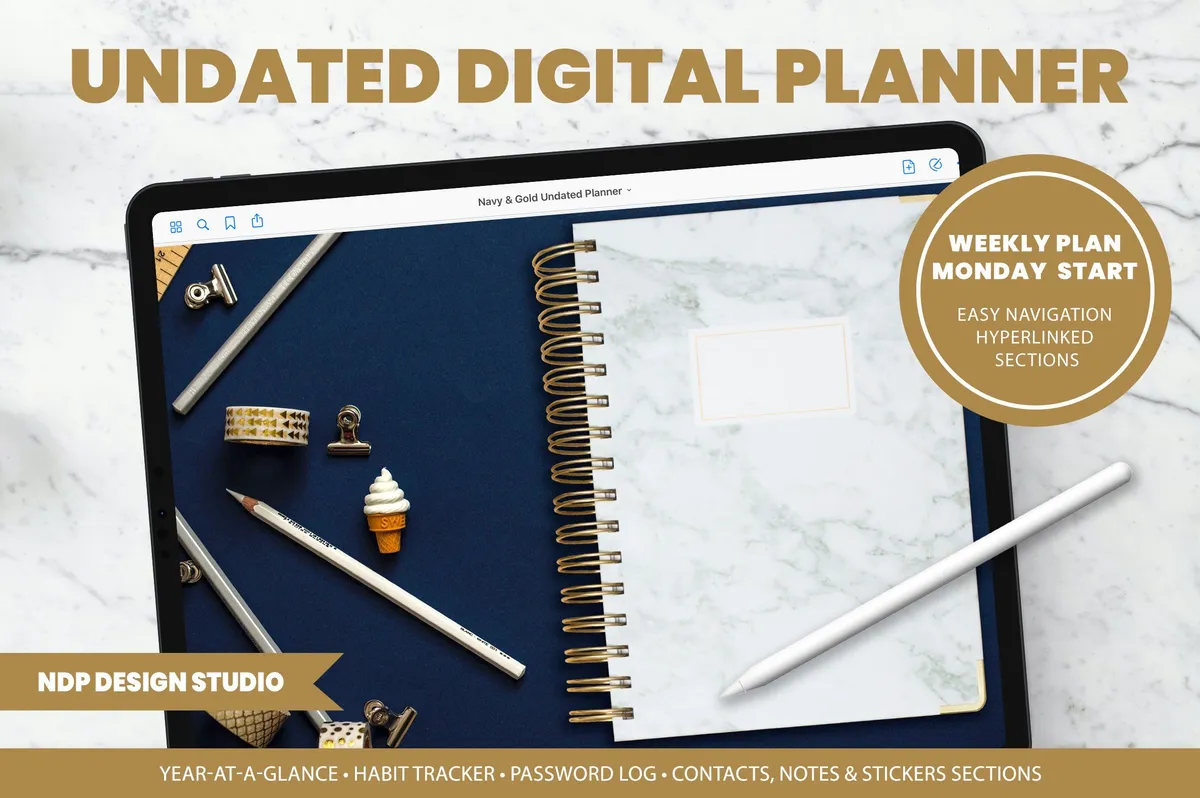
5Undated Weekly Digital Planner

Hyperlinked PDF · GoodNotes + OneNote

Best for weekly planning with quick navigation

An undated weekly planner with quick navigation, so any page is only a few swipes away.

GET YOUR FREE DOWNLOAD

Free through Creative Fabrica’s free trial, which renews unless cancelled.
Before you download

Keep a blank copy of the file. When you want a fresh start, just import it again.

See all Digital planners

More guides

See all