A digital planner is a PDF with links built in. You open it in an app such as GoodNotes or Notability, tap a tab and go straight to that month or day. You can write on it with a stylus, and it's always with you on your tablet.

What to look for

  • Your app. Check it lists the note app you use.
  • Orientation. Portrait and landscape feel quite different, so pick the way you hold your tablet.
  • Week start. Many include both Monday and Sunday versions.

Our picks

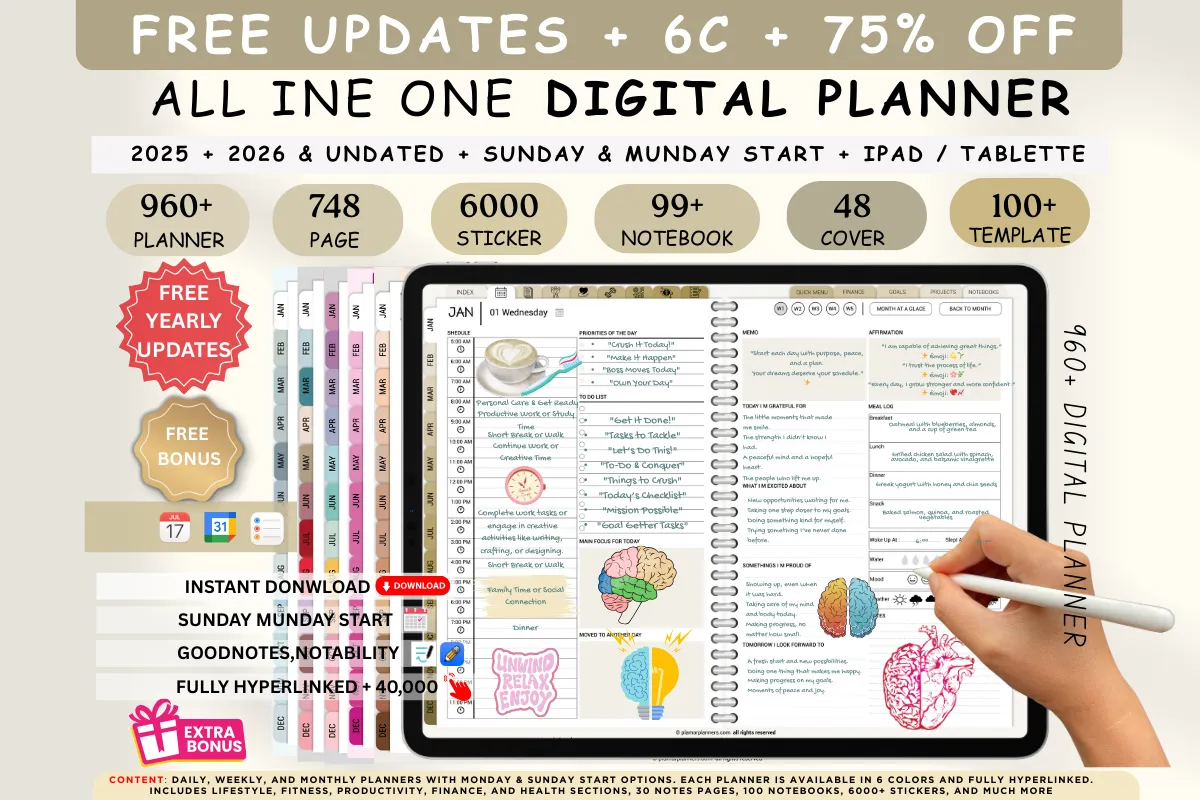
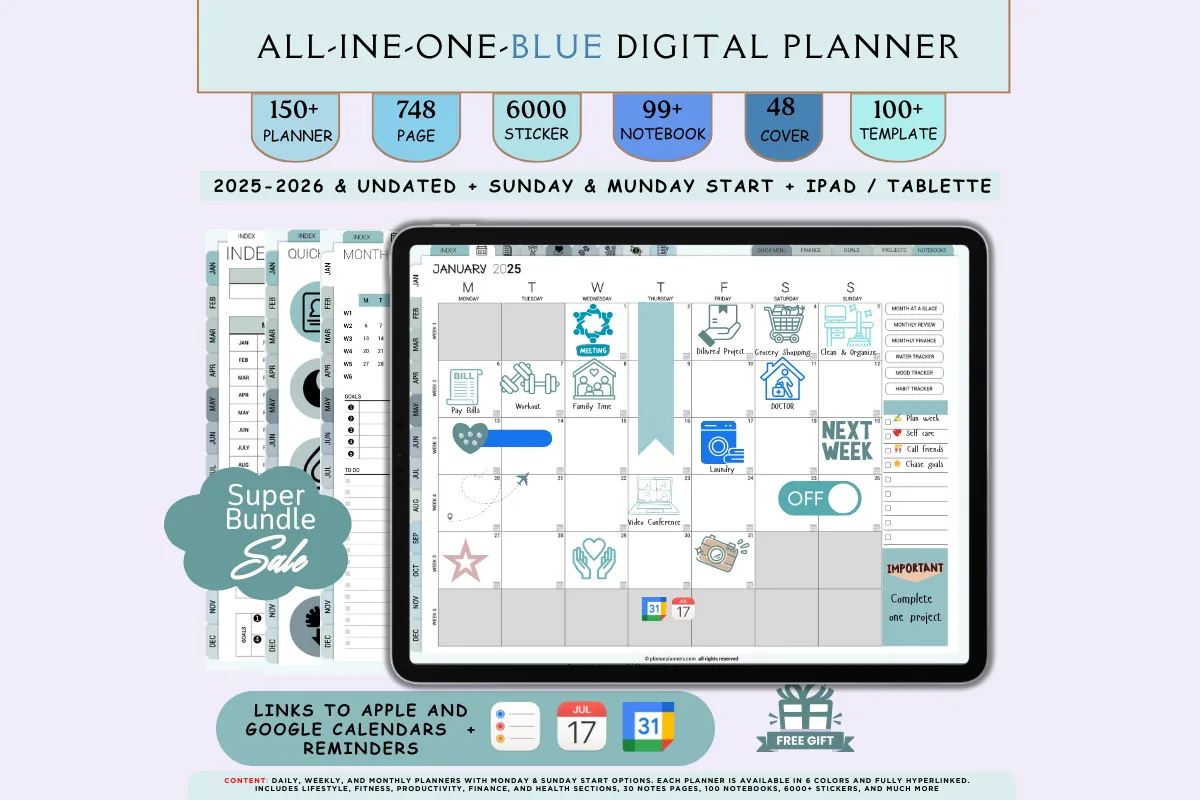
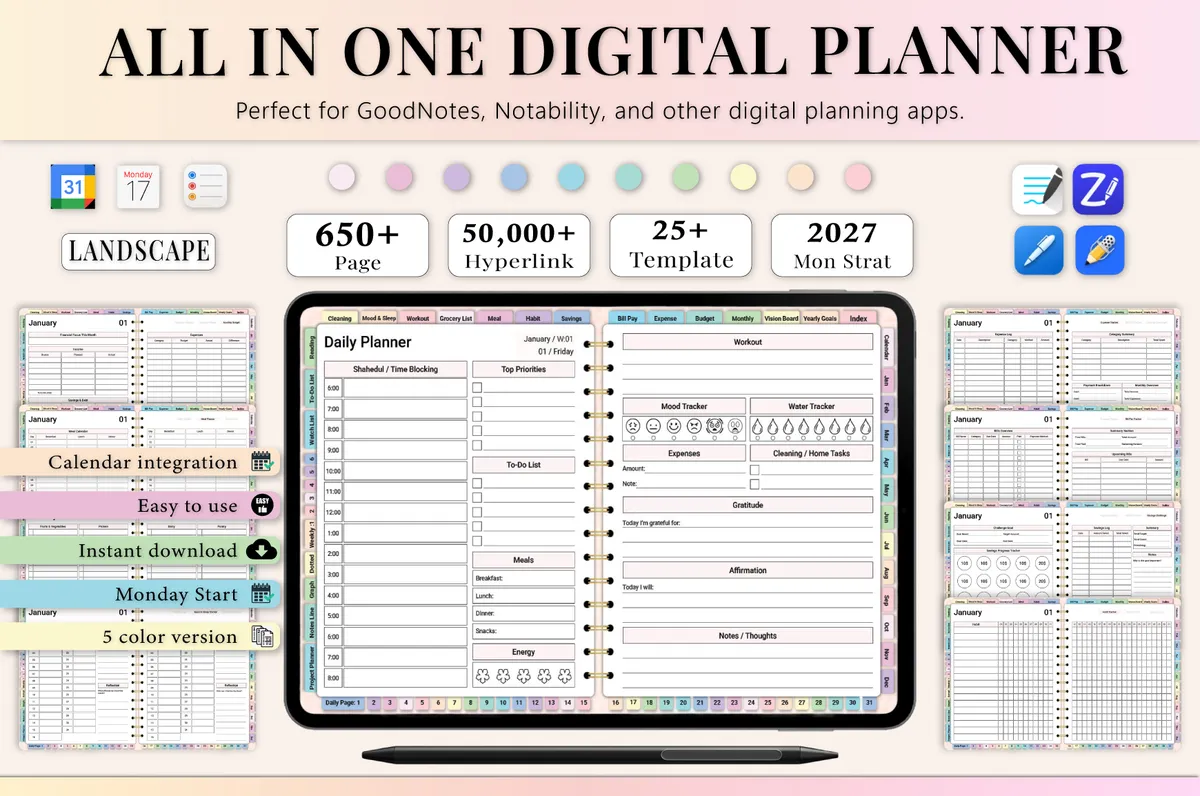
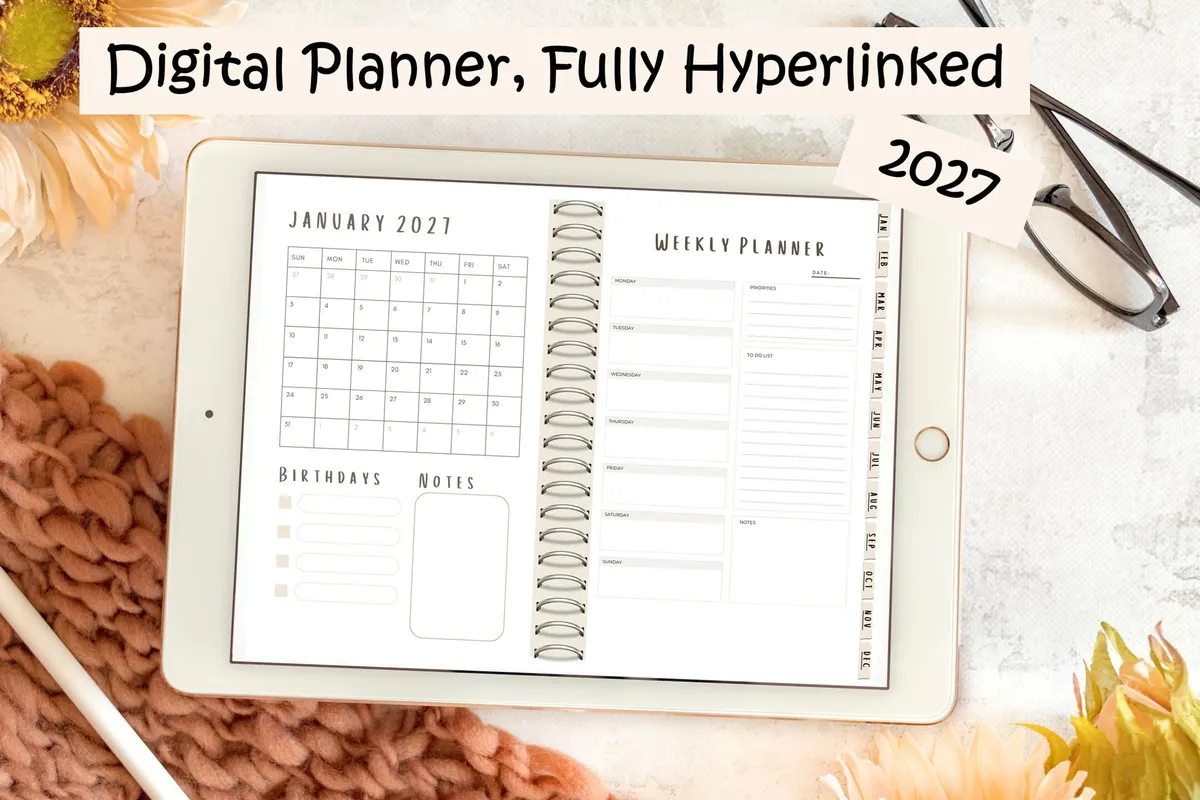
1All-in-One Digital Planner 2027

Hyperlinked PDF · GoodNotes + Notability

Best for daily, weekly and monthly pages together

Daily, weekly and monthly pages you can tap between. A paid GoodNotes account may be needed.

GET YOUR FREE DOWNLOAD

Free through Creative Fabrica’s free trial, which renews unless cancelled.
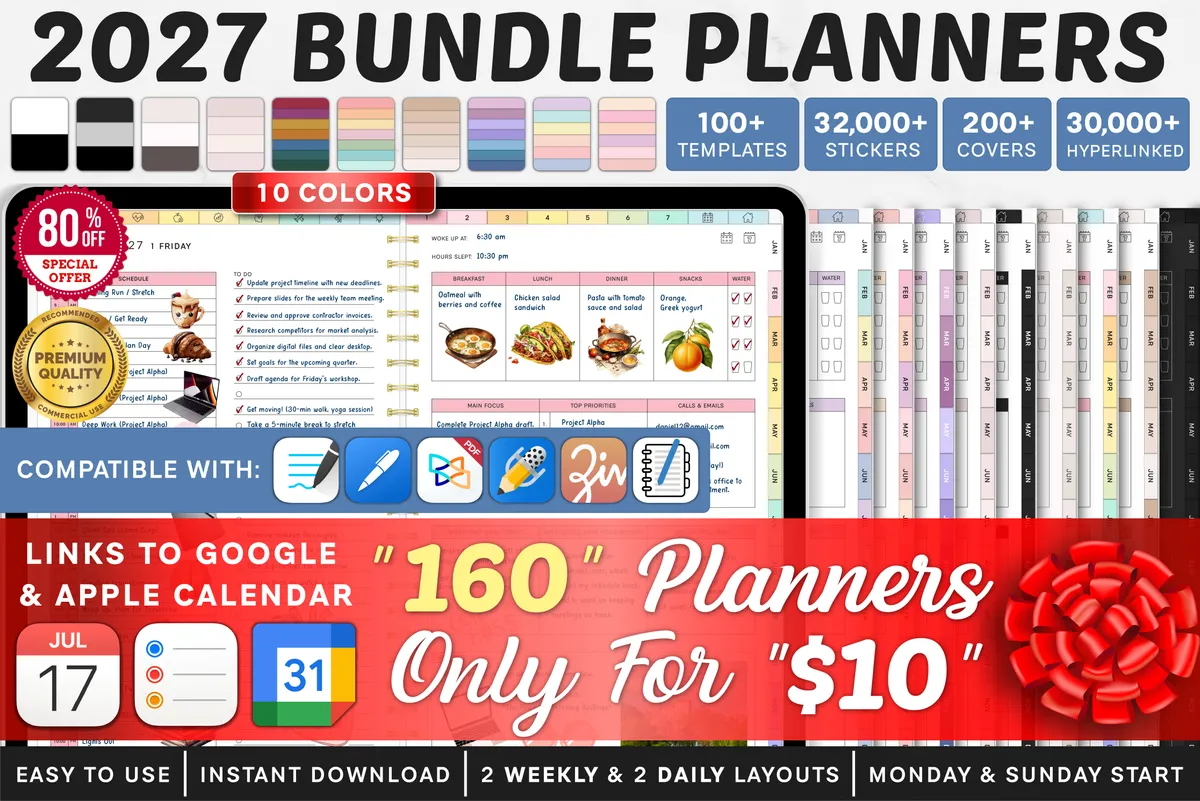
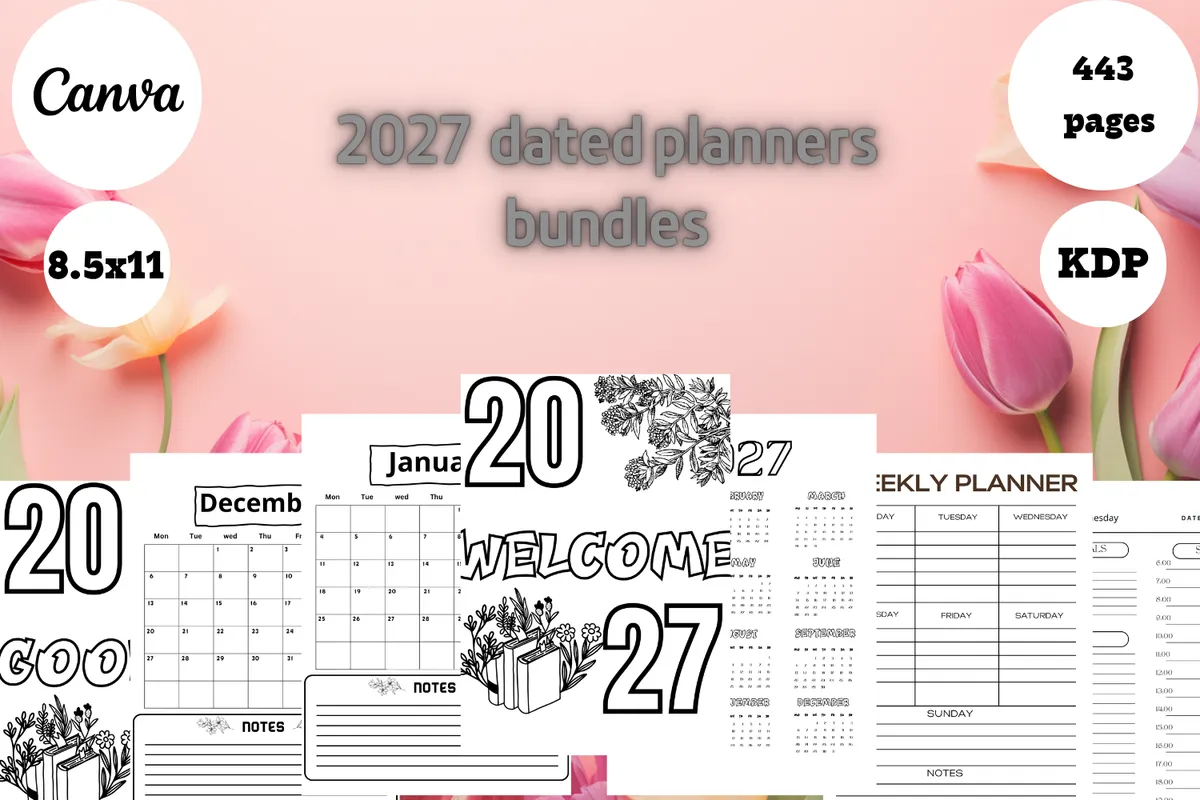
22027 Digital Planner Bundle

160 planners · GoodNotes, Notability + OneNote

Best for a very large choice of designs

A large set of 2027 digital planners in Monday and Sunday start versions.

GET YOUR FREE DOWNLOAD

Free through Creative Fabrica’s free trial, which renews unless cancelled.
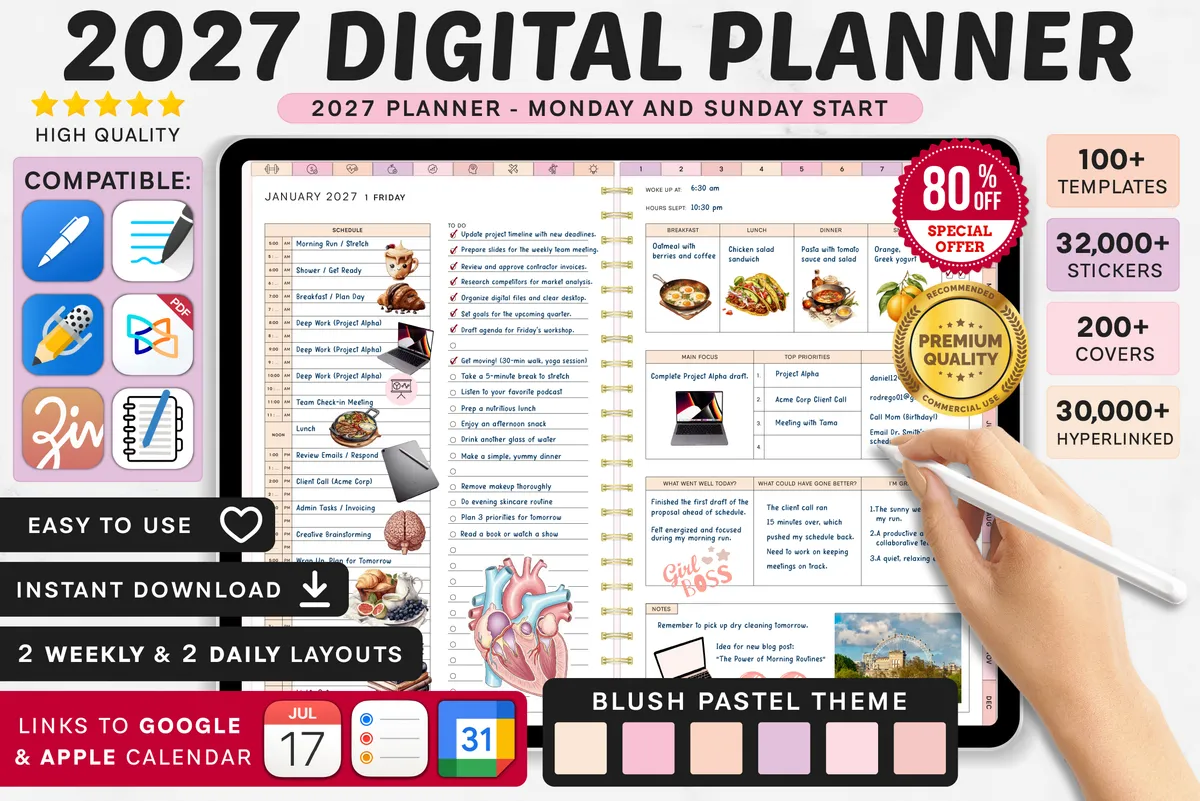
5Dark Mode All-in-One Digital Planner

2025–2027 · GoodNotes + Notability · Landscape

Best for writing on dark pages

Daily, weekly and monthly templates on dark pages, with Apple and Google calendar links.

GET YOUR FREE DOWNLOAD

Free through Creative Fabrica’s free trial, which renews unless cancelled.
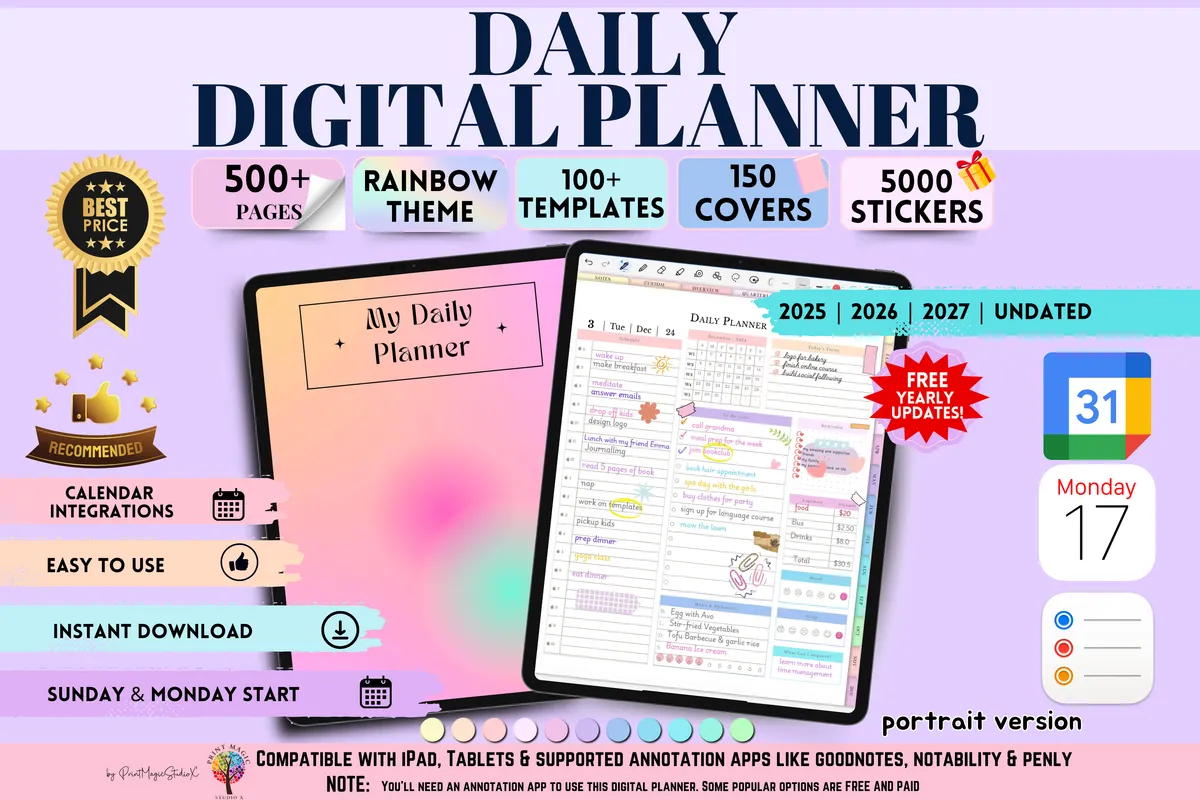
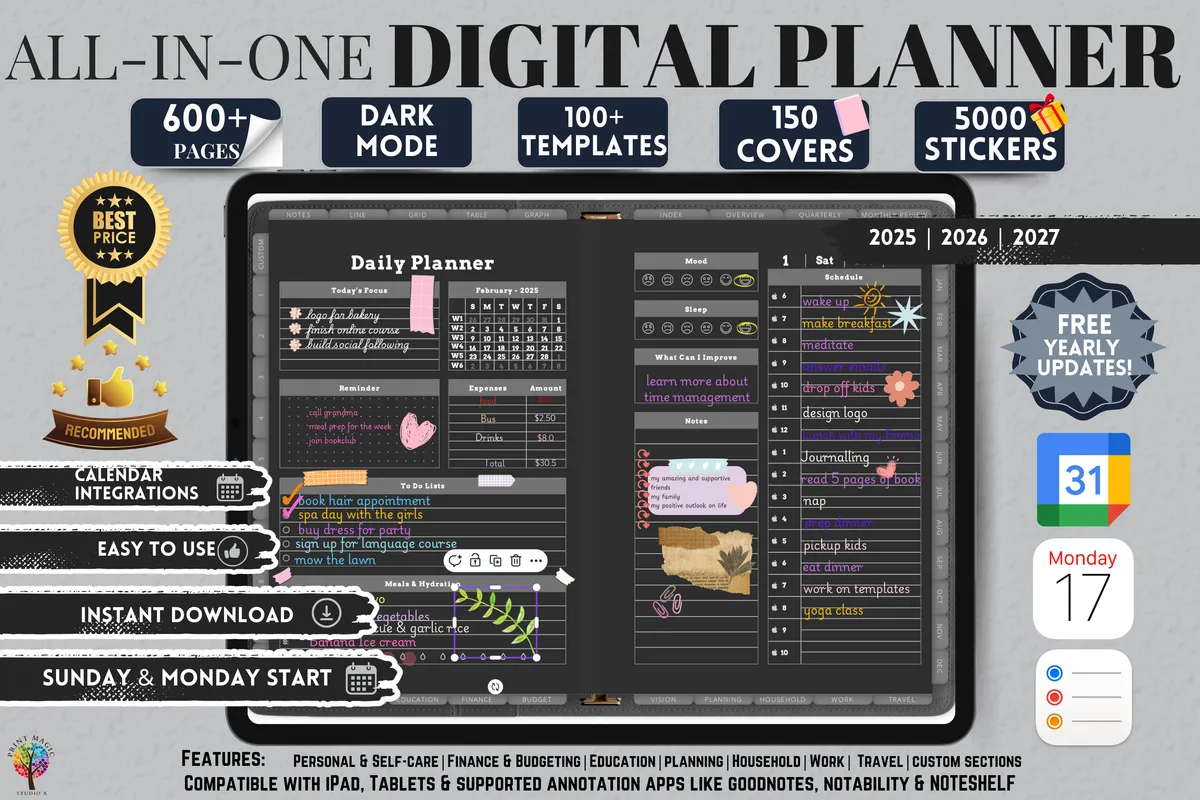
6Daily Digital Planner, Portrait

2025–2027 + undated · GoodNotes + Notability

Best for portrait use, with custom sections

Yearly to daily layouts with 20 custom sections and Apple and Google calendar links.

GET YOUR FREE DOWNLOAD

Free through Creative Fabrica’s free trial, which renews unless cancelled.
Before you download

Open it in your note app and try the links before you begin. Importing can take a moment with larger files.

See all Digital planners

More guides

See all