Revision goes better with a plan than with good intentions. Splitting a subject into small sessions makes it feel possible, and a timetable shows you early whether you've left enough time.

What to look for

  • Timetables. A weekly grid helps you share time fairly between subjects.
  • Progress tracking. Ticking off topics shows what's left at a glance.
  • Format. A Notion planner suits you if you already take notes on a laptop.

Our picks

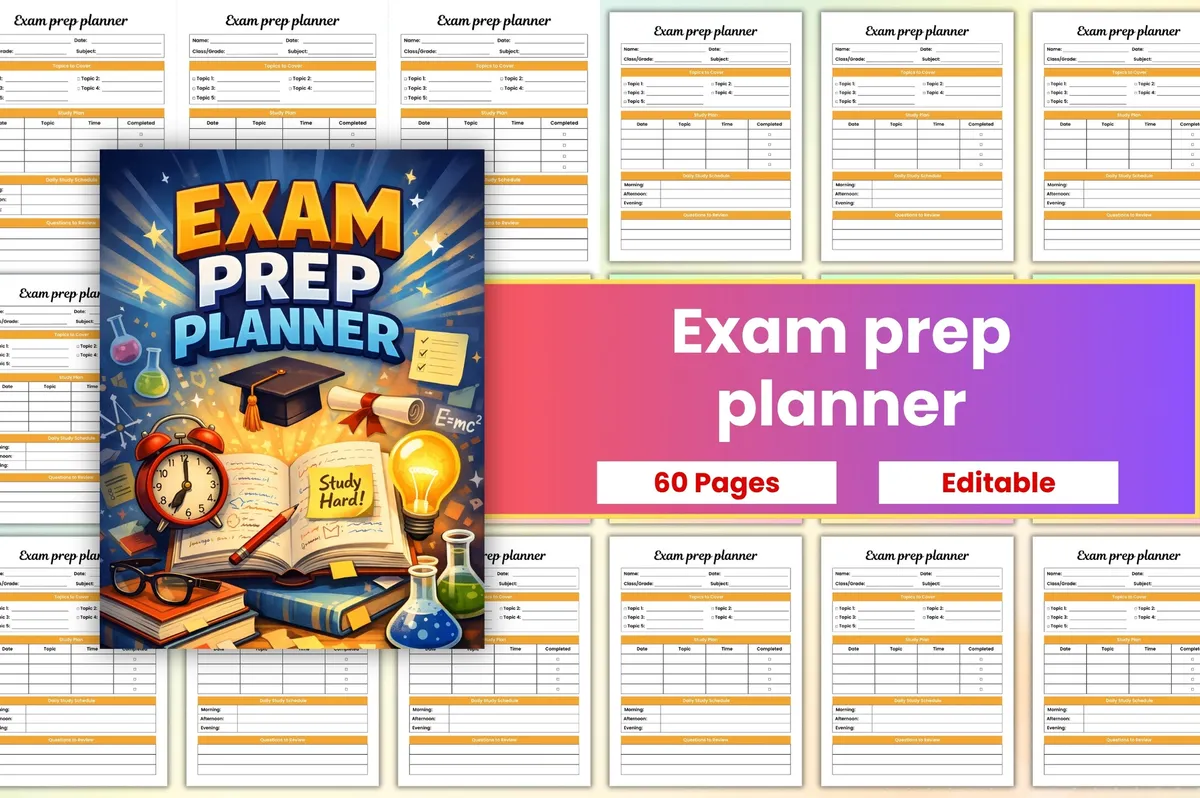
1Exam Prep Planner

Canva editable · PDF + JPG + PNG

Best for breaking subjects into steps

Break subjects into steps and track your study progress during exam season.

GET YOUR FREE DOWNLOAD

Free through Creative Fabrica’s free trial, which renews unless cancelled.
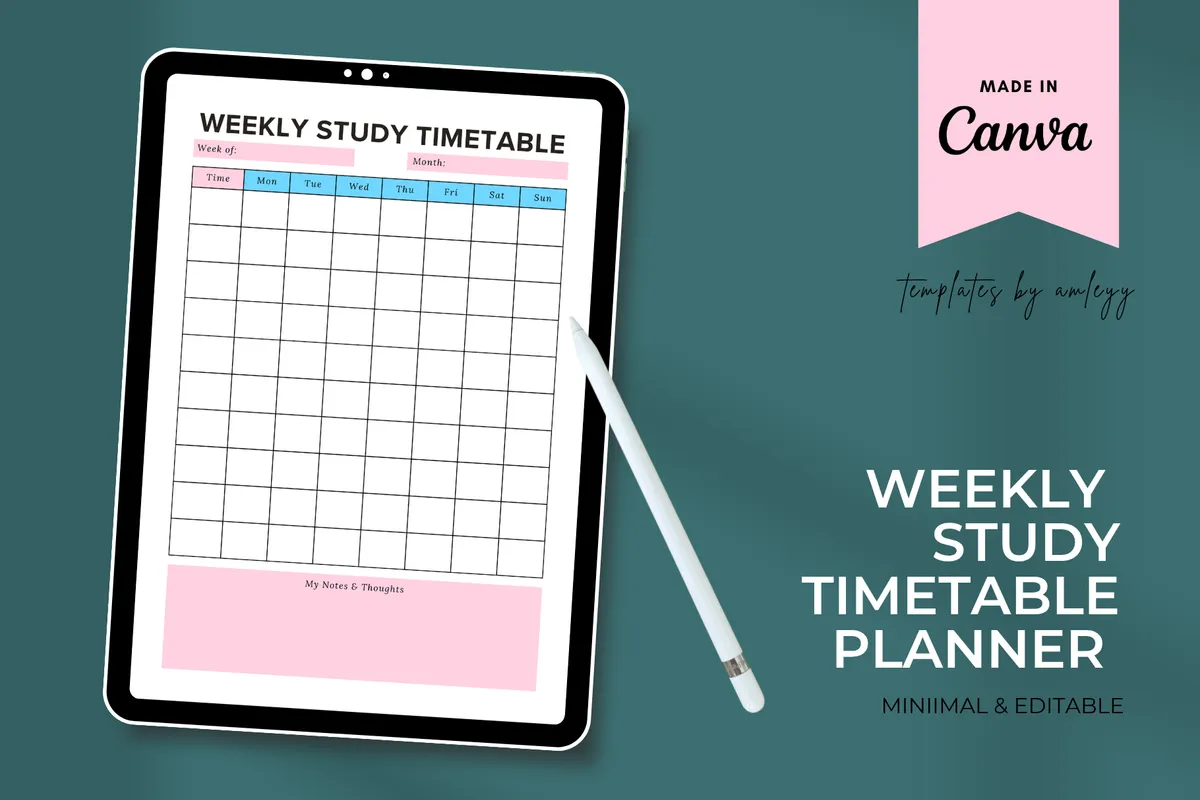
2Weekly Study Timetable

Canva editable · PDF + PNG

Best for a study schedule you can edit in Canva

A weekly study schedule you can customize in Canva to suit your routine.

GET YOUR FREE DOWNLOAD

Free through Creative Fabrica’s free trial, which renews unless cancelled.
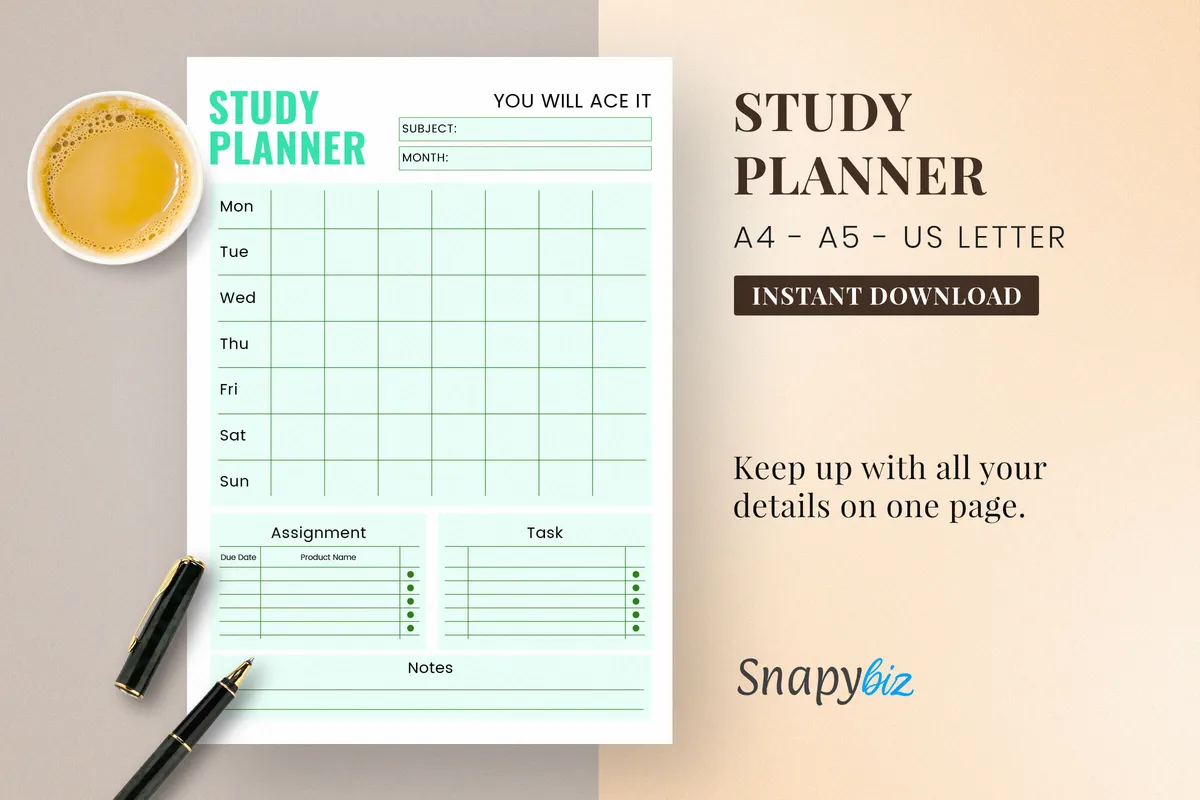
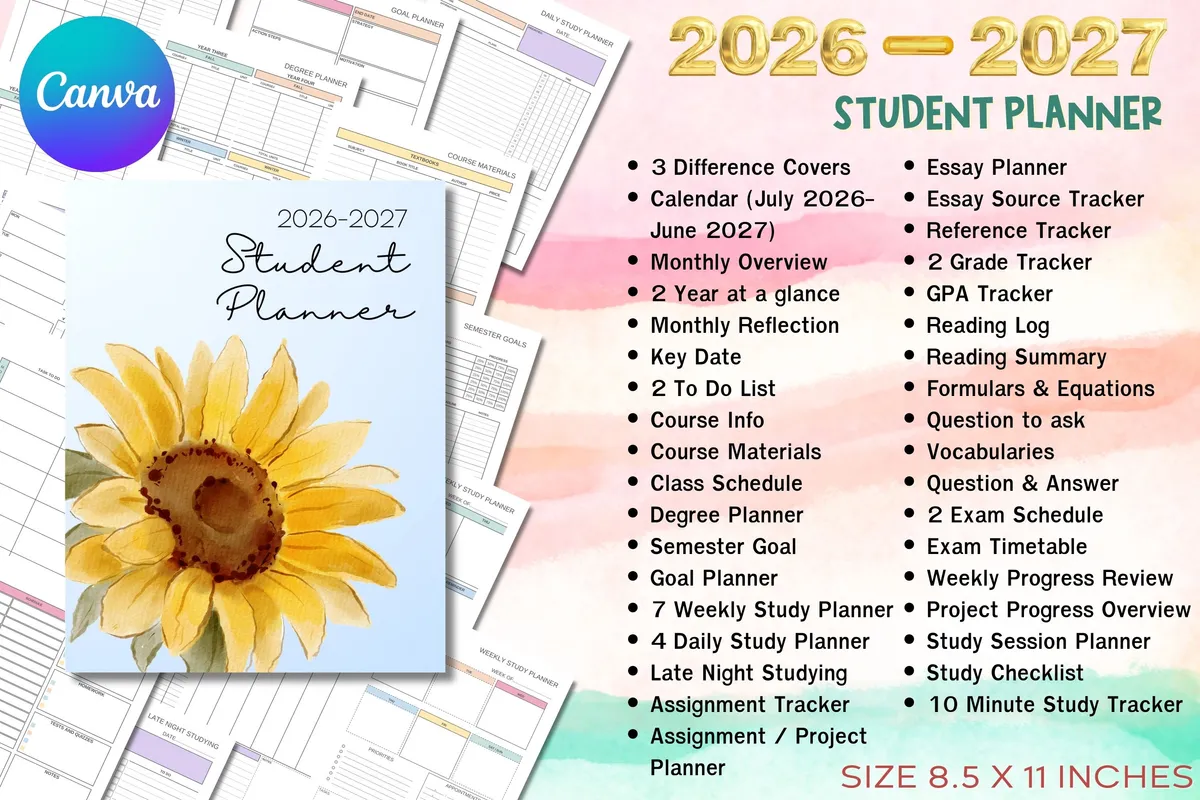
3Printable Study Planner

PDF · US Letter

Best for keeping assignments and research on paper

Keep assignments, submissions, projects and research in order on paper.

GET YOUR FREE DOWNLOAD

Free through Creative Fabrica’s free trial, which renews unless cancelled.
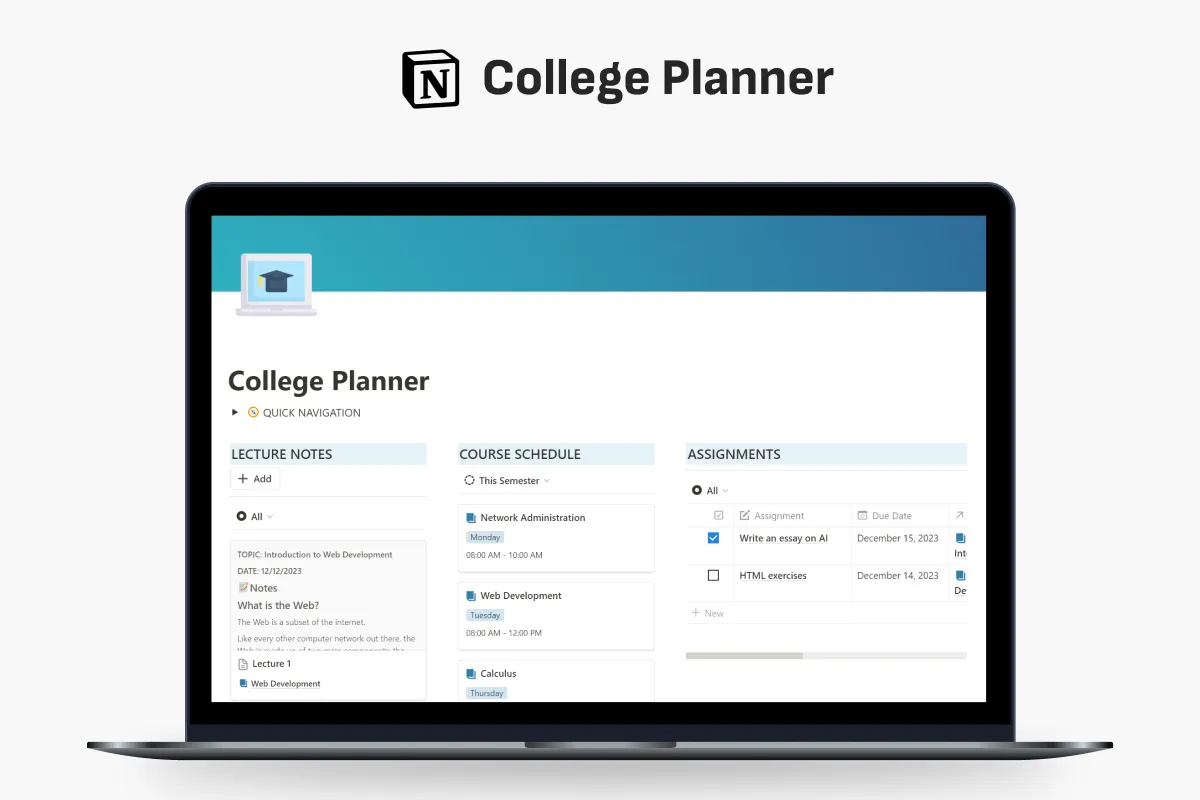
4College Planner for Notion

Notion template

Best for courses and lecture notes in Notion

Manage your course schedule, assignments, lecture notes and events from one page.

GET YOUR FREE DOWNLOAD

Free through Creative Fabrica’s free trial, which renews unless cancelled.
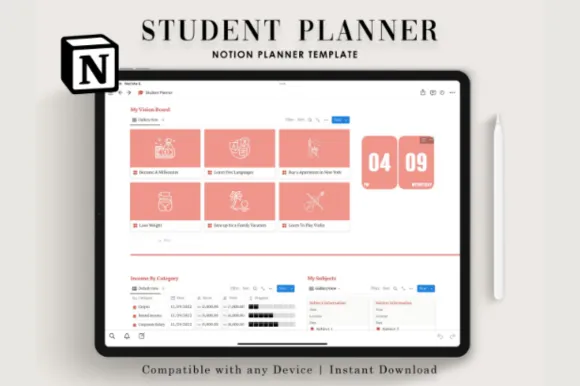
5Notion Student Planner

Notion template

Best for school tasks and everyday life in one place

Daily tasks, a priority list, books, shows and finances in one Notion space for students.

GET YOUR FREE DOWNLOAD

Free through Creative Fabrica’s free trial, which renews unless cancelled.
Before you download

Start your plan with the exam dates and work backward. Leave a little empty time each week for the topics that take longer.

See all School planners

More guides

See all