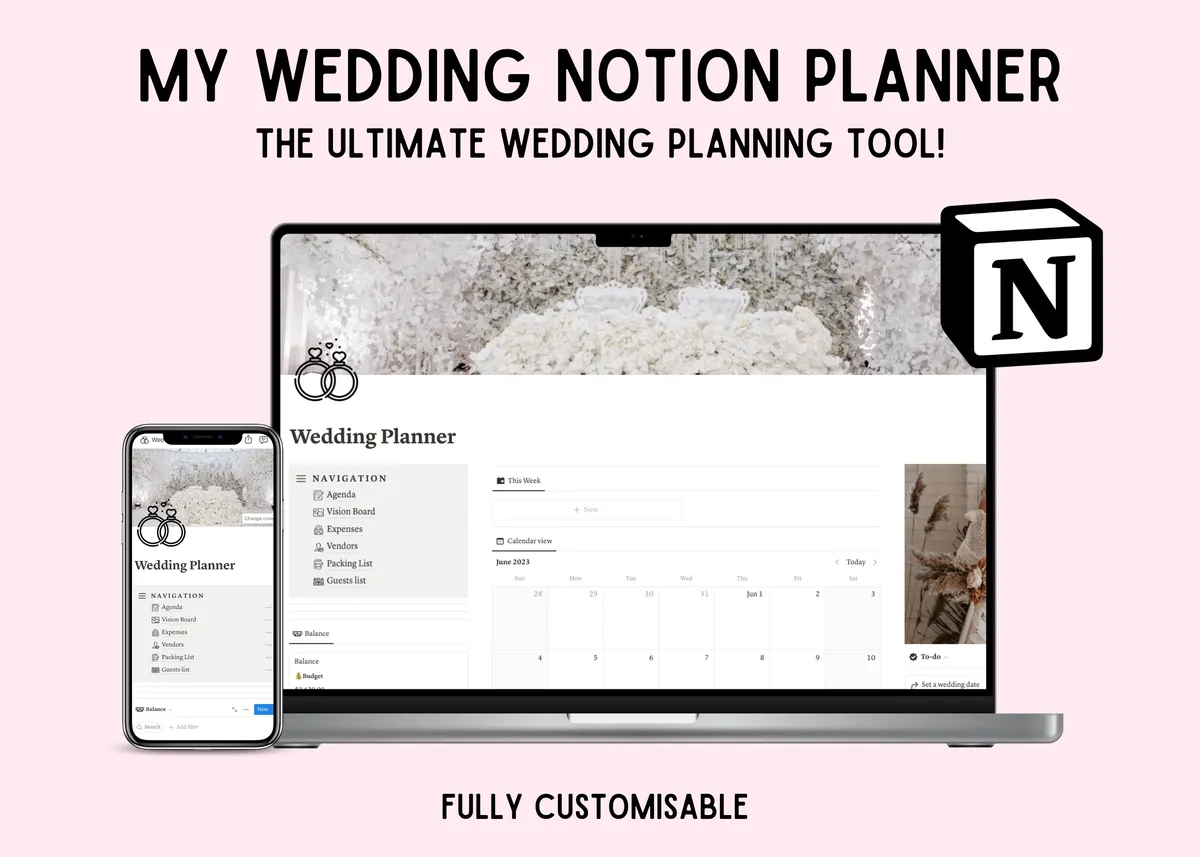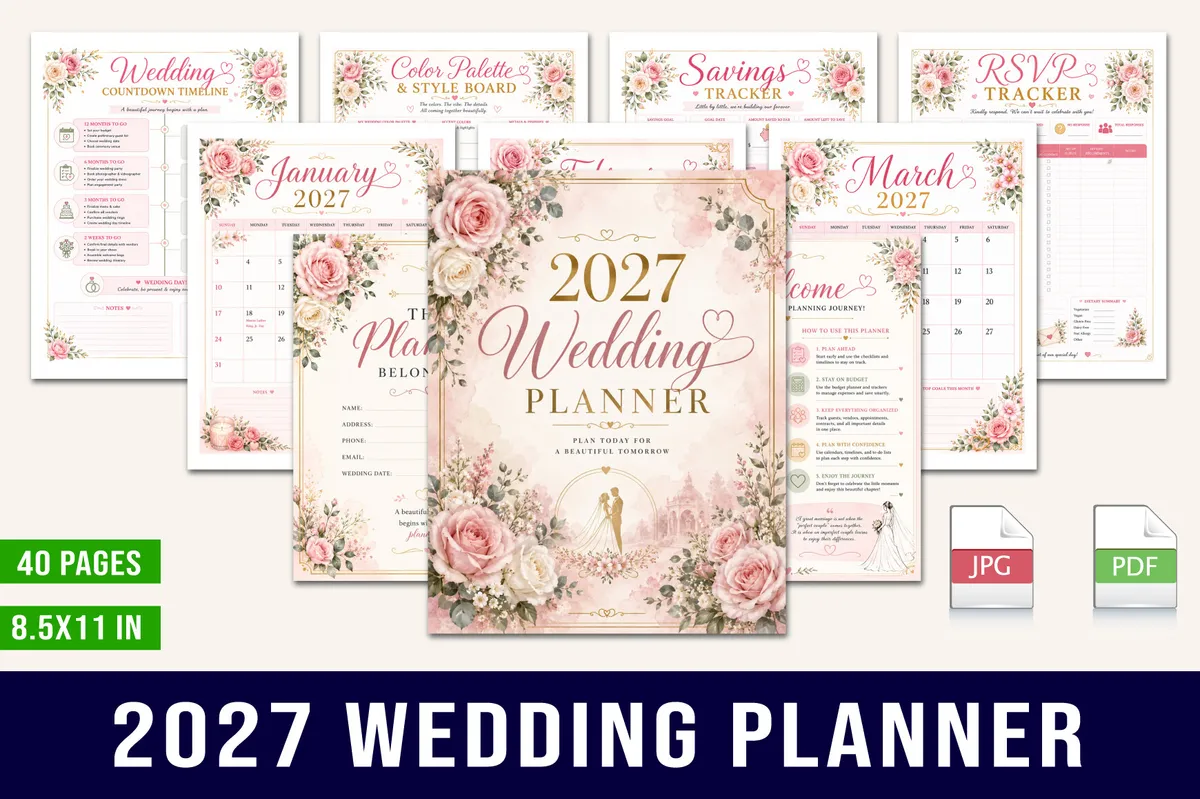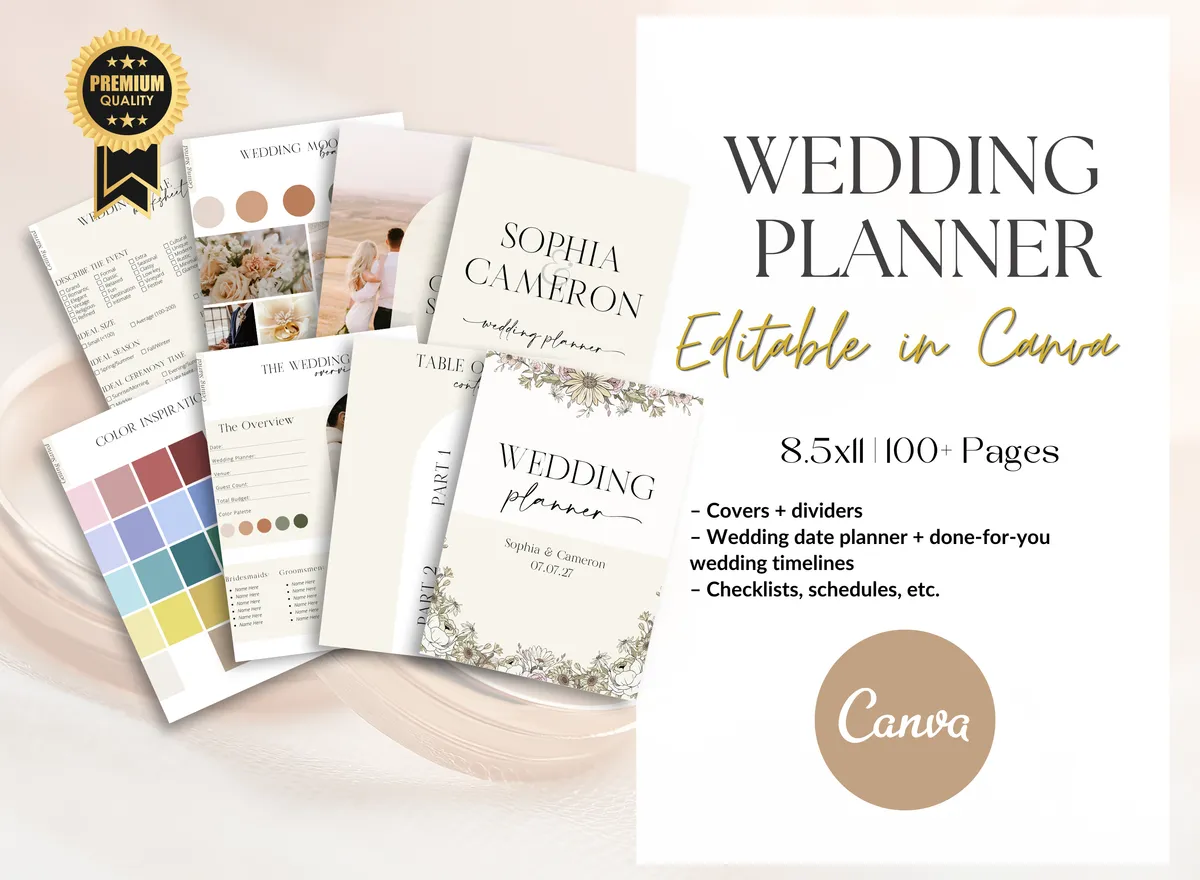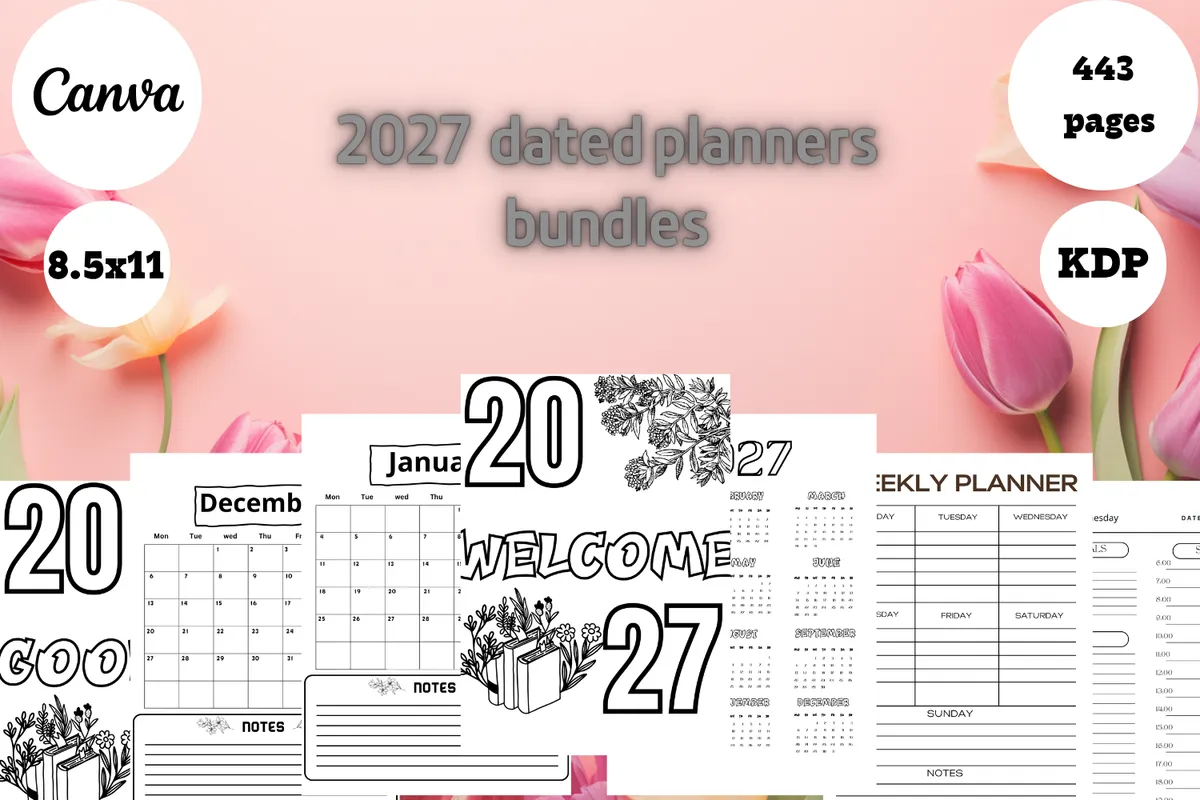
A digital planner has one big advantage for a wedding: both of you can keep it with you. A spreadsheet is hard to beat for guests and budgets, while a tablet planner feels more like a real book. Notion sits somewhere between the two.

What to look for

  • Sharing. Spreadsheets and Notion are easy for two people to update together.
  • Budget tracking. Pick one that adds up totals if your budget is tight.
  • Your device. Tablet planners need a note app and work best with a stylus.

Our picks

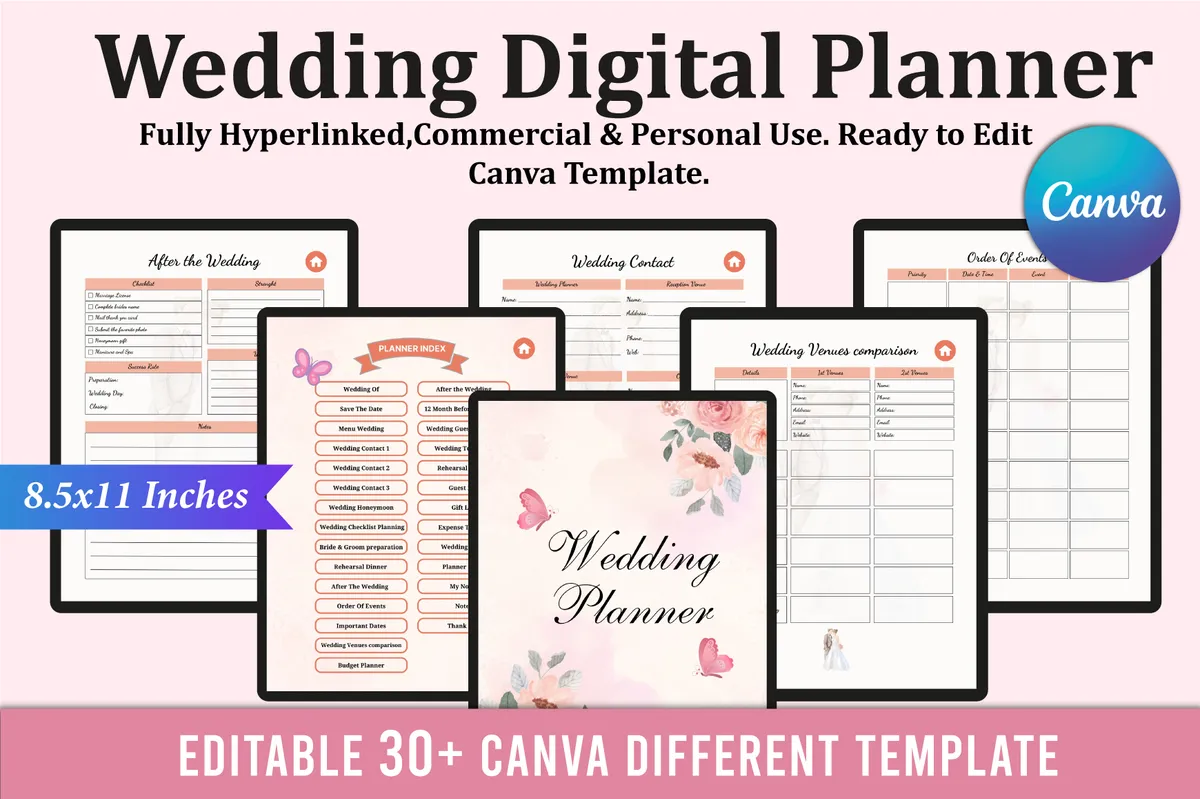
1Digital Wedding Planner for iPad

30+ templates · Canva · Hyperlinked index

Best for clickable tabs for guests, budget and venues

Tablet wedding planner with clickable tabs for guests, budget and venues.

GET YOUR FREE DOWNLOAD

Free through Creative Fabrica’s free trial, which renews unless cancelled.
2Hyperlinked iPad Wedding Planner

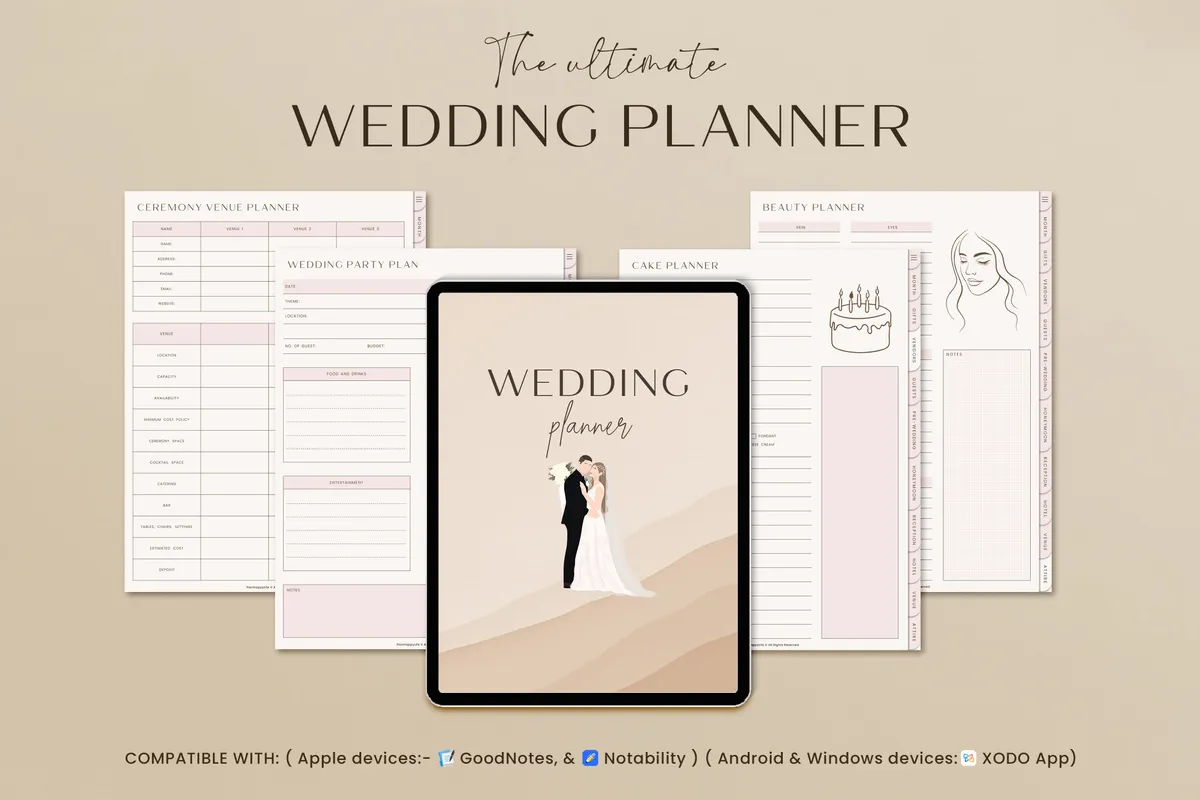
Hyperlinked · GoodNotes + Notability

Best for gifts, vendors and pre-wedding events

Sections for gifts, vendors, guests and pre-wedding events.

GET YOUR FREE DOWNLOAD

Free through Creative Fabrica’s free trial, which renews unless cancelled.
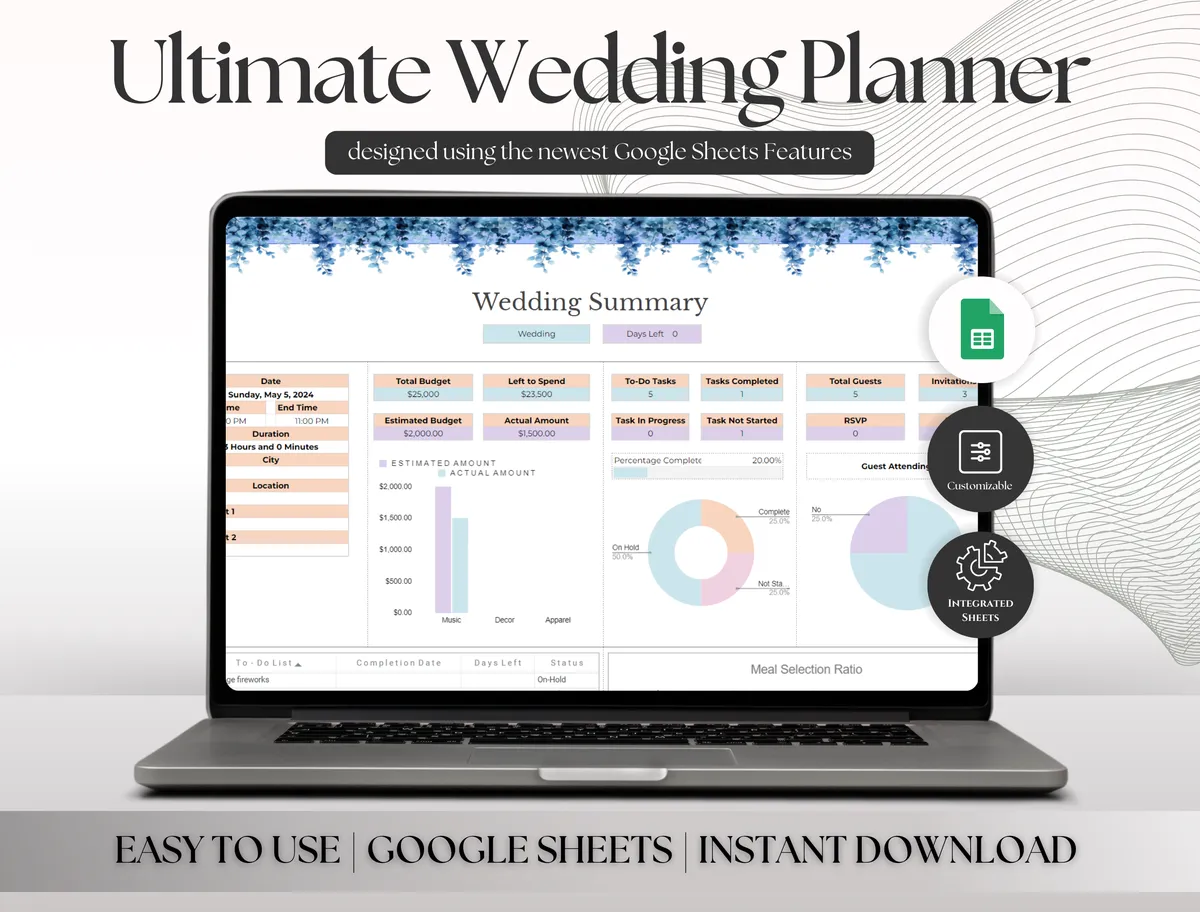
4Wedding Planner Spreadsheet

Google Sheets

Best for the budget and guest list in Google Sheets

Manage the wedding budget, guest list and other details from one spreadsheet.

GET YOUR FREE DOWNLOAD

Free through Creative Fabrica’s free trial, which renews unless cancelled.
5Notion Wedding Planner

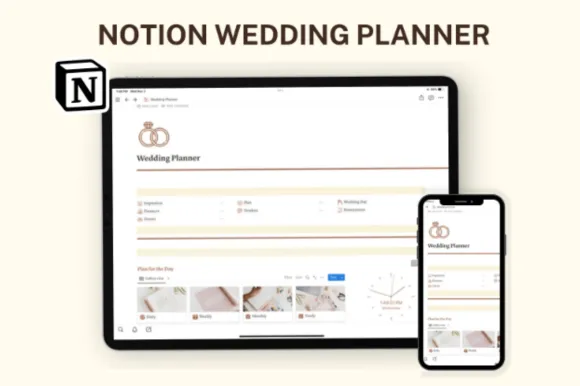
Notion template

Best for a minimal planner in Notion

A minimalist Notion space for organizing your wedding without distractions.

GET YOUR FREE DOWNLOAD

Free through Creative Fabrica’s free trial, which renews unless cancelled.
Before you download

Whichever you choose, agree on one place for everything. Most wedding mix-ups come from keeping details in two.

See all Wedding planners

More guides

See all