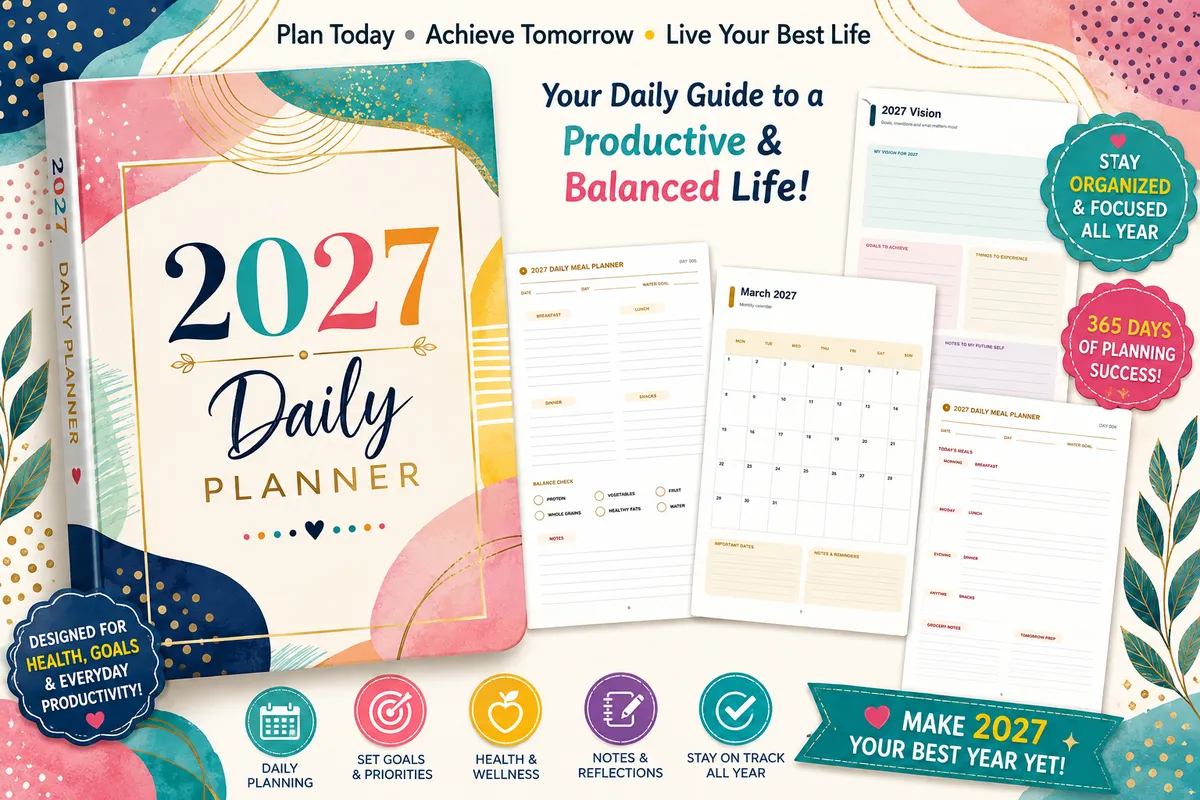
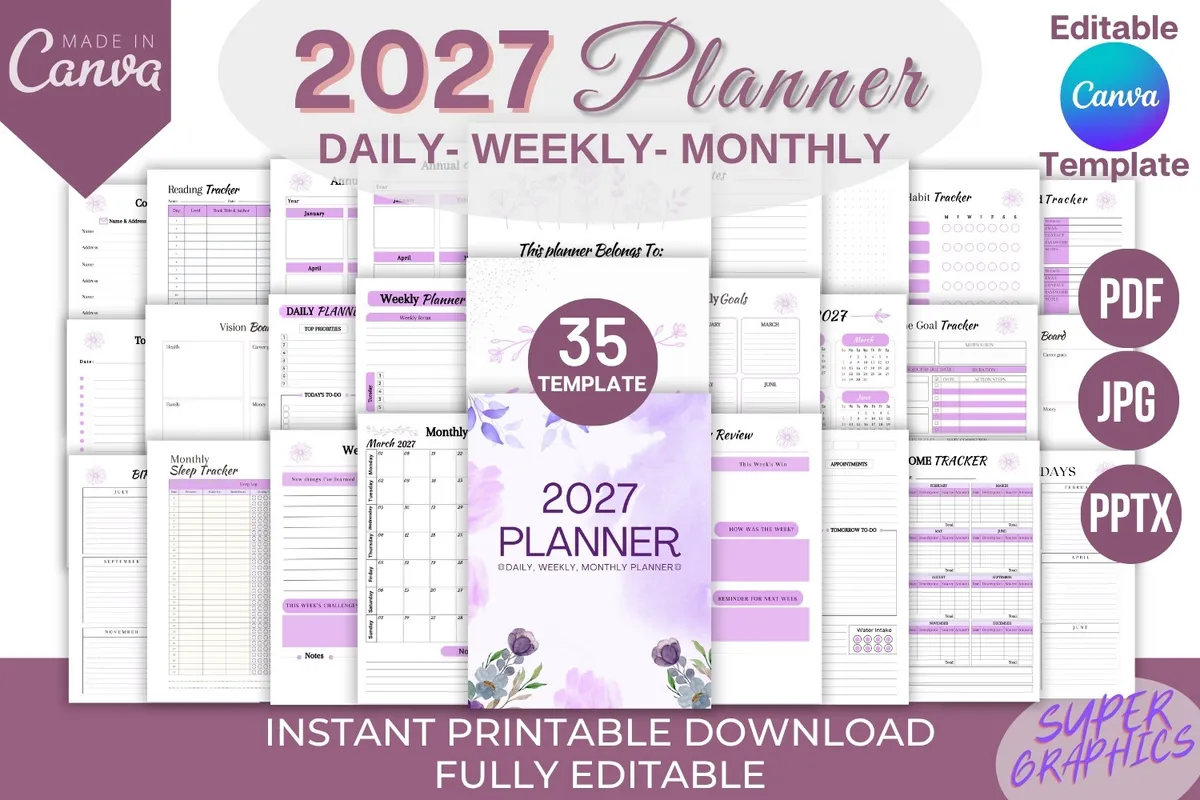
Canva templates are for people who like a planner almost as it is, except for a thing or two. You can change the colors, fonts and layout in your browser, then download and print. A free Canva account is usually enough, though some elements may need Pro.

What to look for

  • Free elements. Check that the template doesn't rely on paid Canva graphics.
  • Page choice. More layouts give you more freedom but take longer to sort through.
  • Printing. Decide on your paper size before you start editing.

Our picks

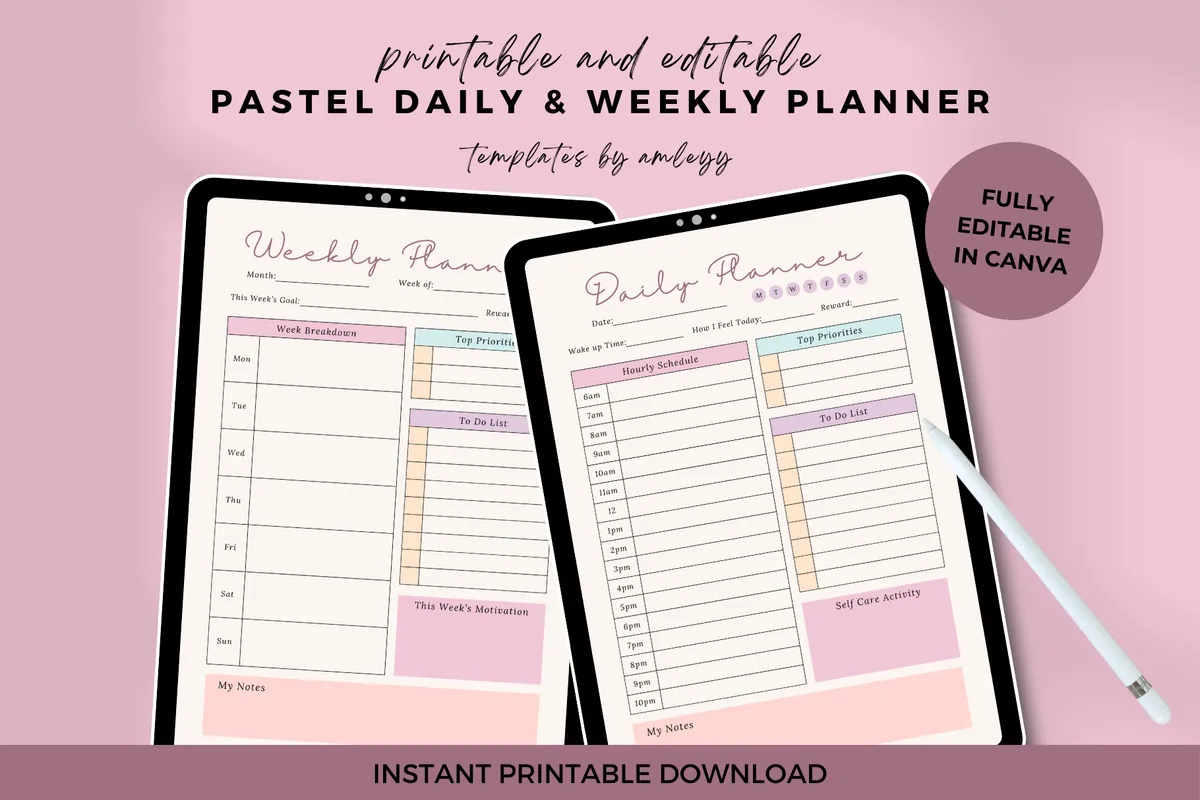
3Pastel Daily & Weekly Planner

Undated · Canva editable · A4, A5 + US Letter

Best for soft colors in three sizes

Elegant pastel pages for daily and weekly planning, to edit in Canva or print.

GET YOUR FREE DOWNLOAD

Free through Creative Fabrica’s free trial, which renews unless cancelled.
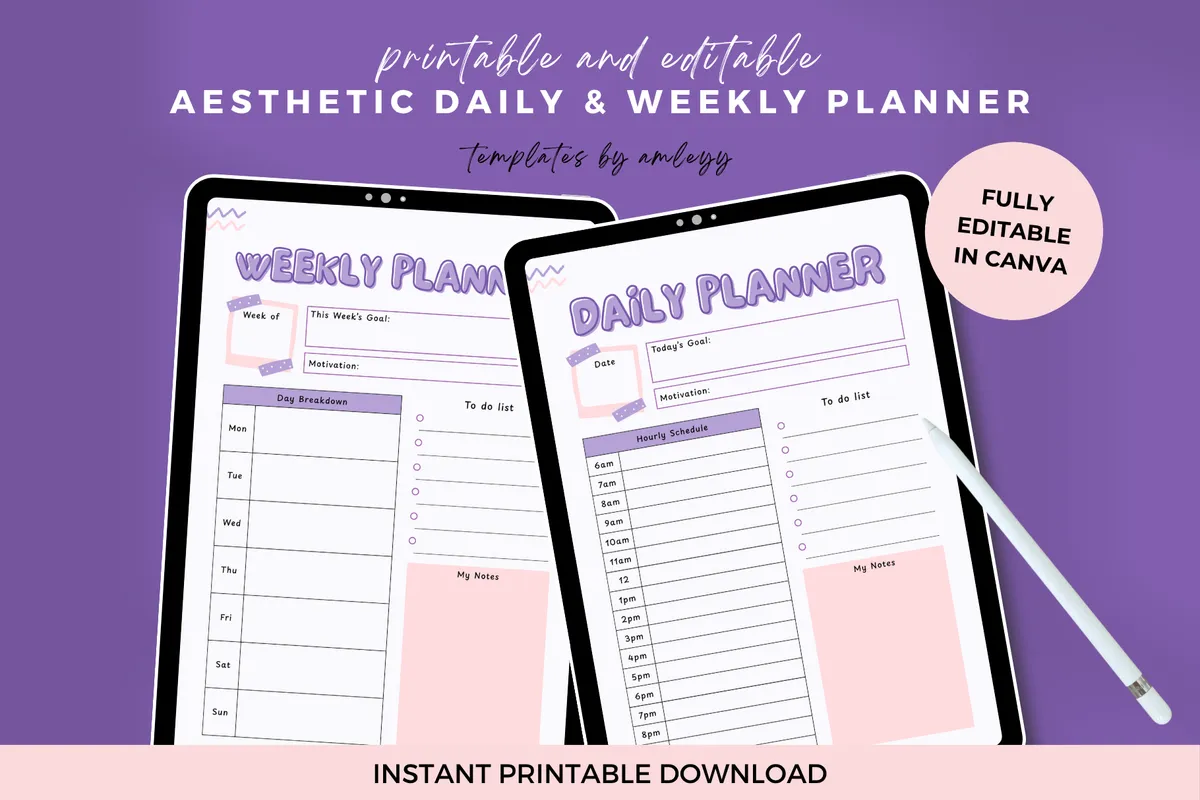
5Cute Aesthetic Weekly Planner

Canva editable · PDF + JPEG

Best for one pretty weekly page

A pretty, minimalist weekly page for managing your time, editable in Canva.

GET YOUR FREE DOWNLOAD

Free through Creative Fabrica’s free trial, which renews unless cancelled.
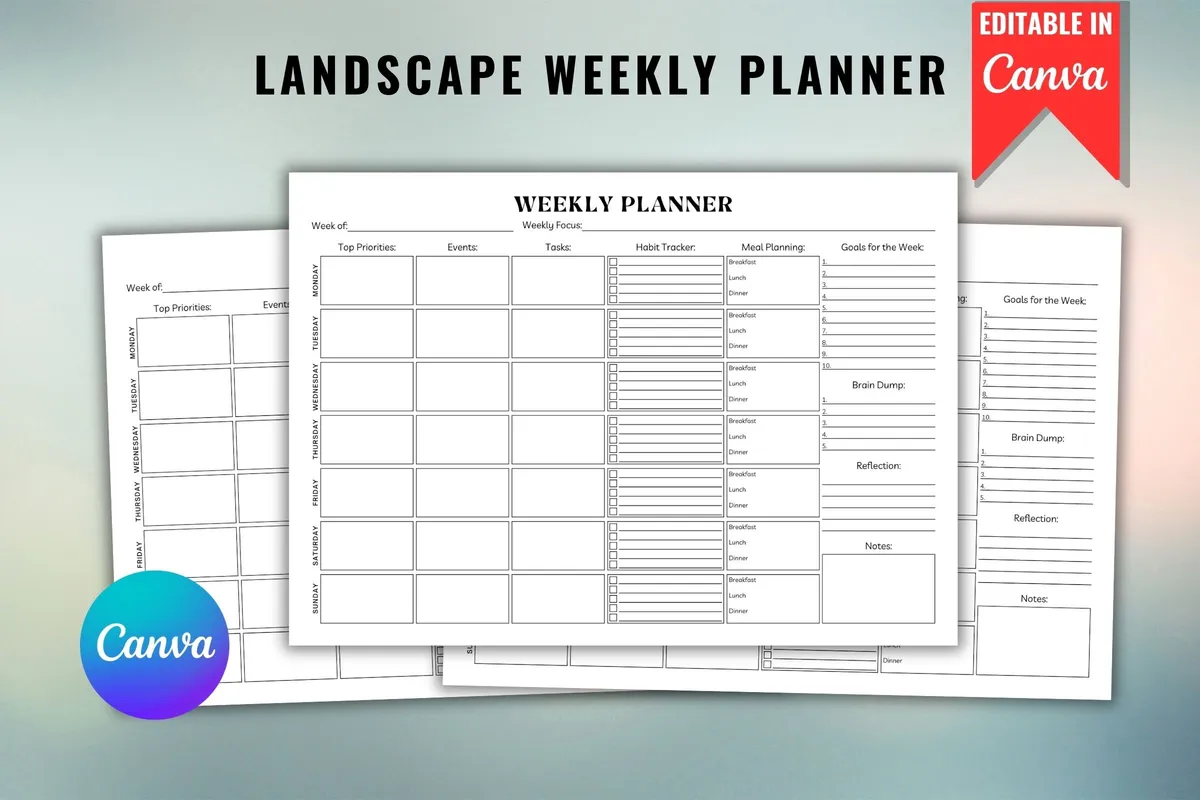
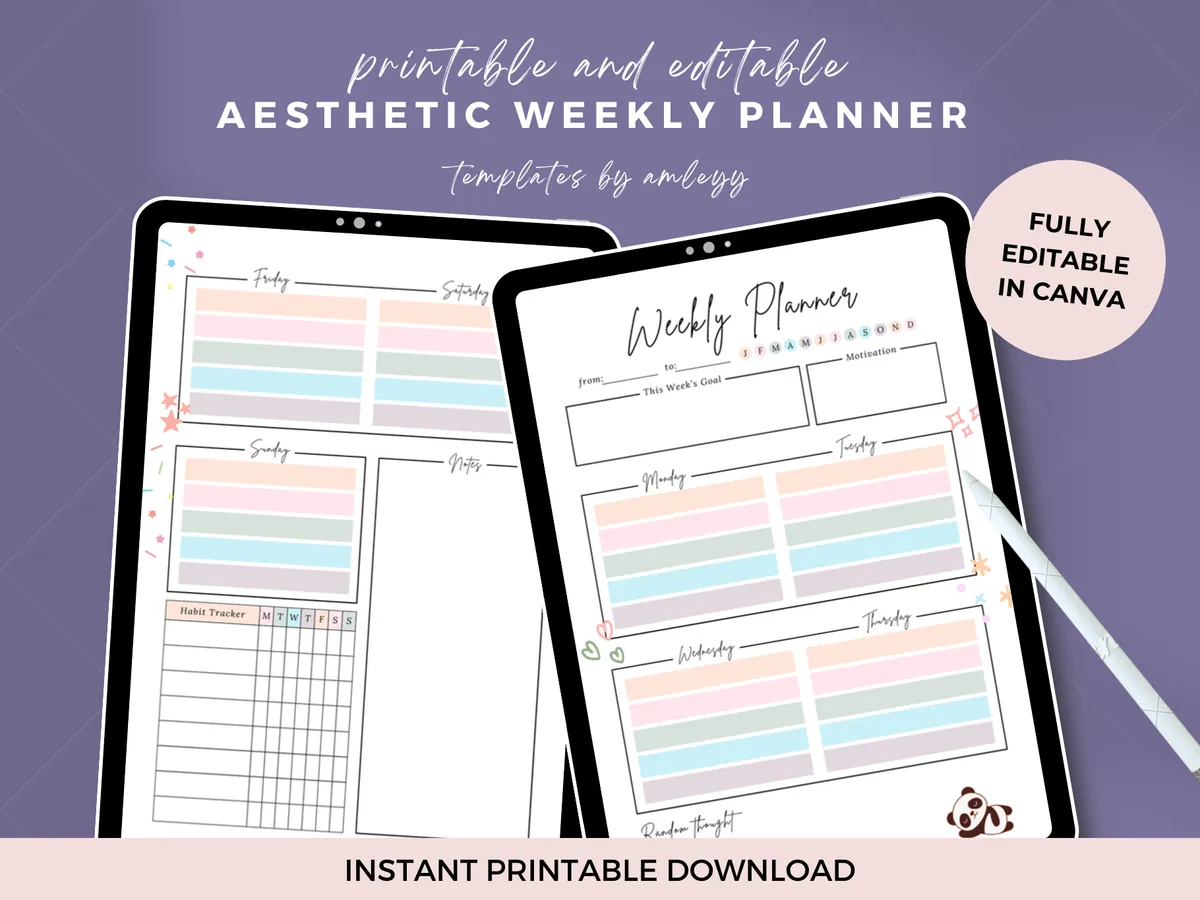
6Landscape Weekly Planner

Canva editable · Printable PDF

Best for use with a free Canva account

A weekly plan you can customize in Canva. A free Canva account is all you need.

GET YOUR FREE DOWNLOAD

Free through Creative Fabrica’s free trial, which renews unless cancelled.
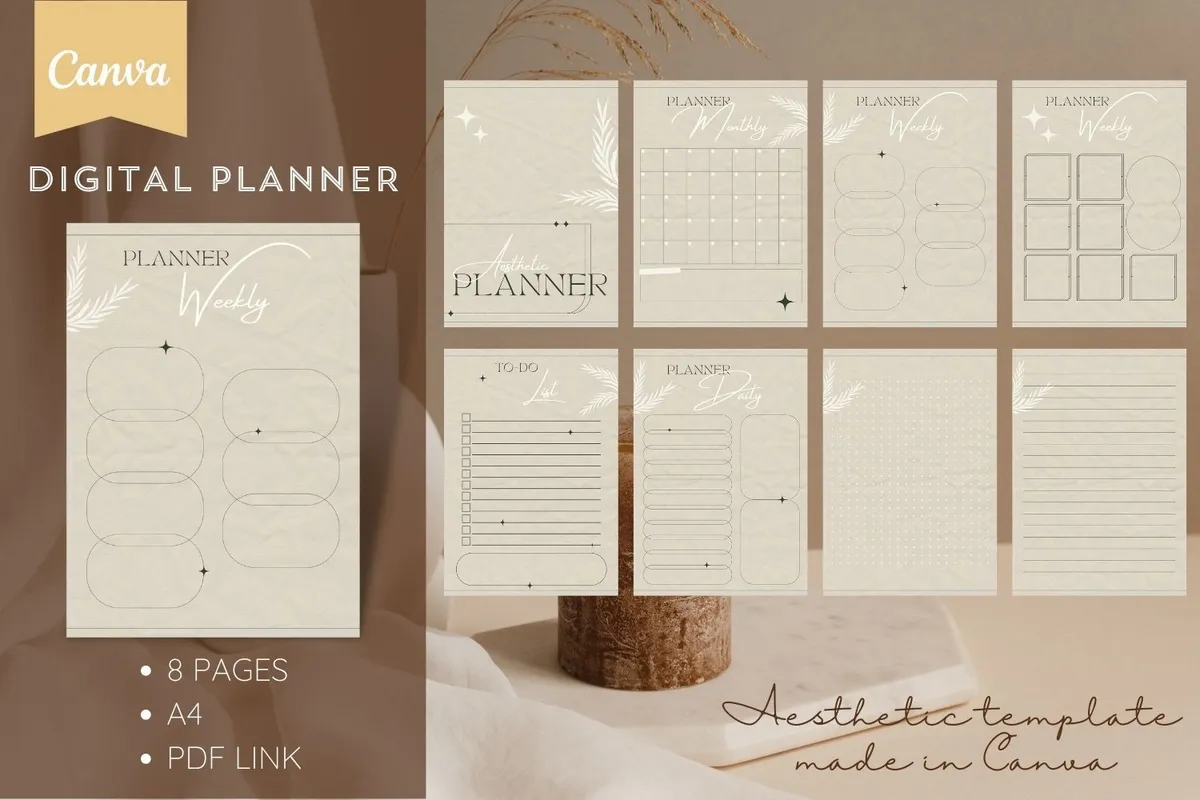
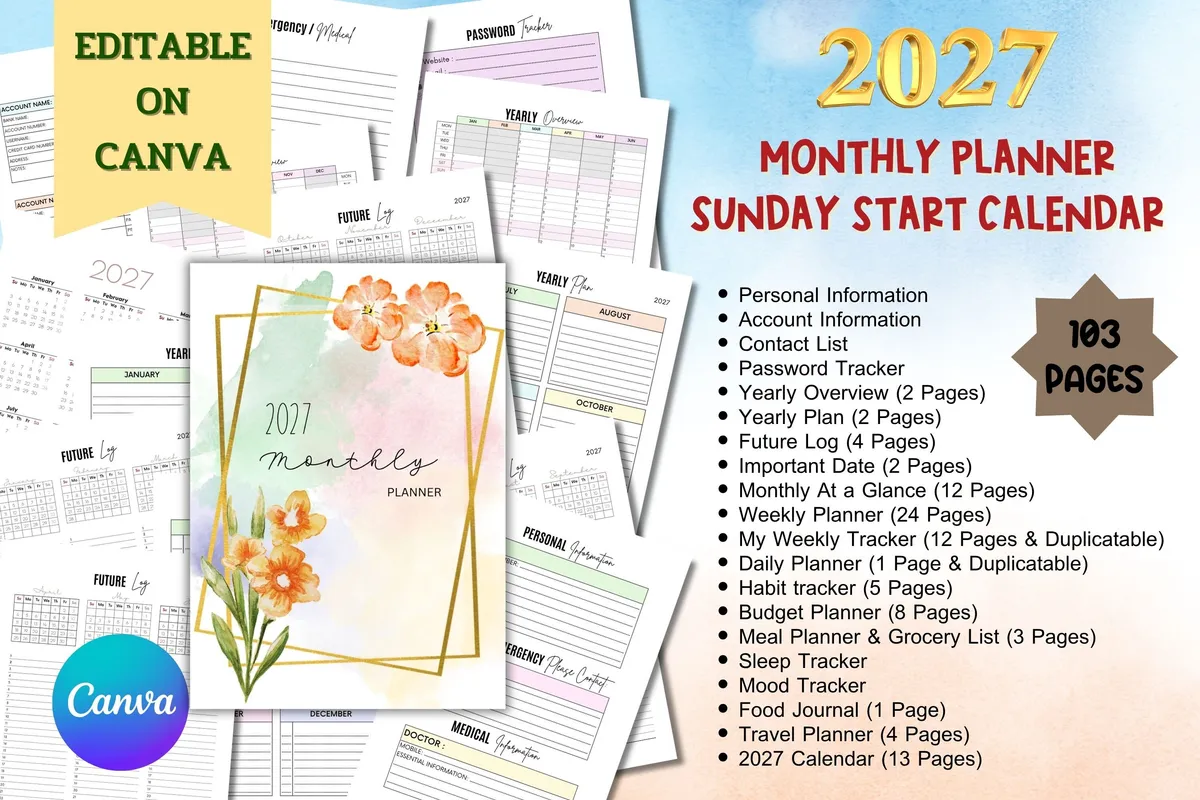
7Aesthetic Digital Planner for Canva

8 pages · Canva editable · A4

Best for a minimal set of pages

A minimalist design for notes and plans, to edit with a free or Pro Canva account, then print or use digitally.

GET YOUR FREE DOWNLOAD

Free through Creative Fabrica’s free trial, which renews unless cancelled.
Before you download

Change the colors first and leave the layout alone at the start. It's the fastest way to make a template feel like yours.

See all Canva & Bundles planners

More guides

See all